EasyManua.ls Logo

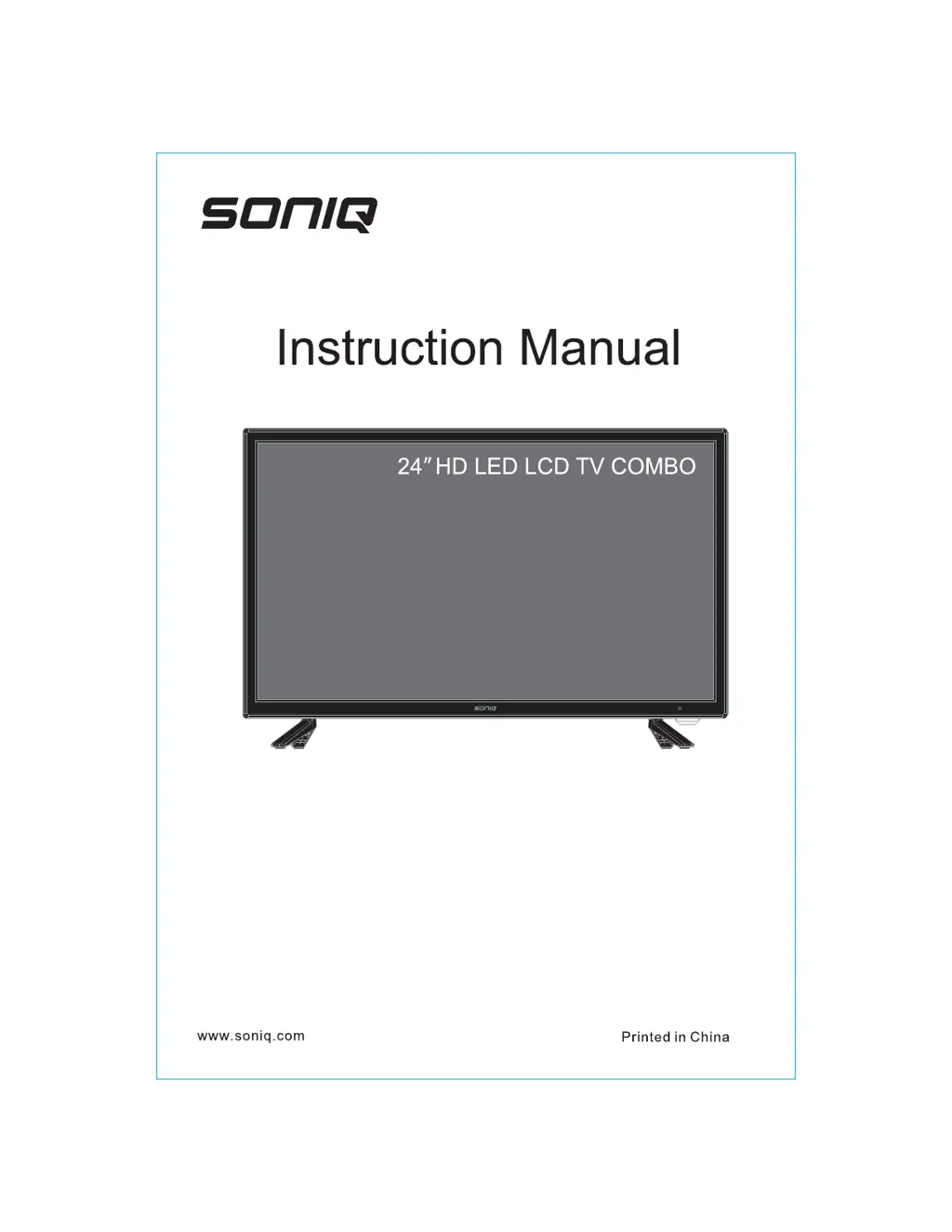
SONIQ E24HB40A - User Manual

SONIQ E24HB40A
18 pages
Print Icon
To Next Page IconTo Next Page
Loading...
E24HB40A

Questions and Answers

  • A
    Amber HarveyAug 11, 2025
    How to fix SONIQ LCD TV when it has no power?
    • M
      Michelle WilliamsAug 11, 2025
      If your SONIQ LCD TV has no power, start by checking the power connection. Unplug the TV, wait for 60 seconds, and then plug it back in and turn the TV on.
  • G
    greenekimberlyAug 17, 2025
    What to do if my SONIQ E24HB40A remote is not responding?
    • M
      molinachristopherAug 17, 2025
      If the remote control for your SONIQ LCD TV is not responding, check the batteries. Replace them if needed, or try cleaning the remote control sensor window. Also, ensure that you are within 6 meters of the TV.
  • H
    harrisrebeccaAug 23, 2025
    Why is there no sound on my SONIQ E24HB40A LCD TV?
    • A
      Andrew JacksonAug 23, 2025
      If there is no sound on your SONIQ LCD TV, first increase the volume. Then, check if the TV is muted. Also, verify the voice and voice mode settings.
  • B
    Brittany PerezAug 29, 2025
    What to do if my SONIQ Smart LCD TV has a system error?
    • W
      williamsamandaAug 29, 2025
      If you encounter a system error on your SONIQ Smart LCD TV, try these steps: 1. Retry the current operation. 2. Go to the home page and select "Restore Factory Setting" in the System Setting menu. Do not cut off the power during the restore process. 3. Power off the TV, and then restart it.
  • L
    Lauren QuinnSep 4, 2025
    How to clean SONIQ E24HB40A screen?
    • T
      Tonya BowenSep 4, 2025
      To clean your SONIQ LCD TV screen, first, pull out the power plug. Use a soft, clean cloth to wipe the screen. For further cleaning, use a dry cloth. Do not use naphtha or other thinners liquids.

SONIQ E24HB40A Specifications

General IconGeneral
BrandSONIQ
ModelE24HB40A
CategoryLCD TV
LanguageEnglish

Related product manuals