EasyManua.ls Logo

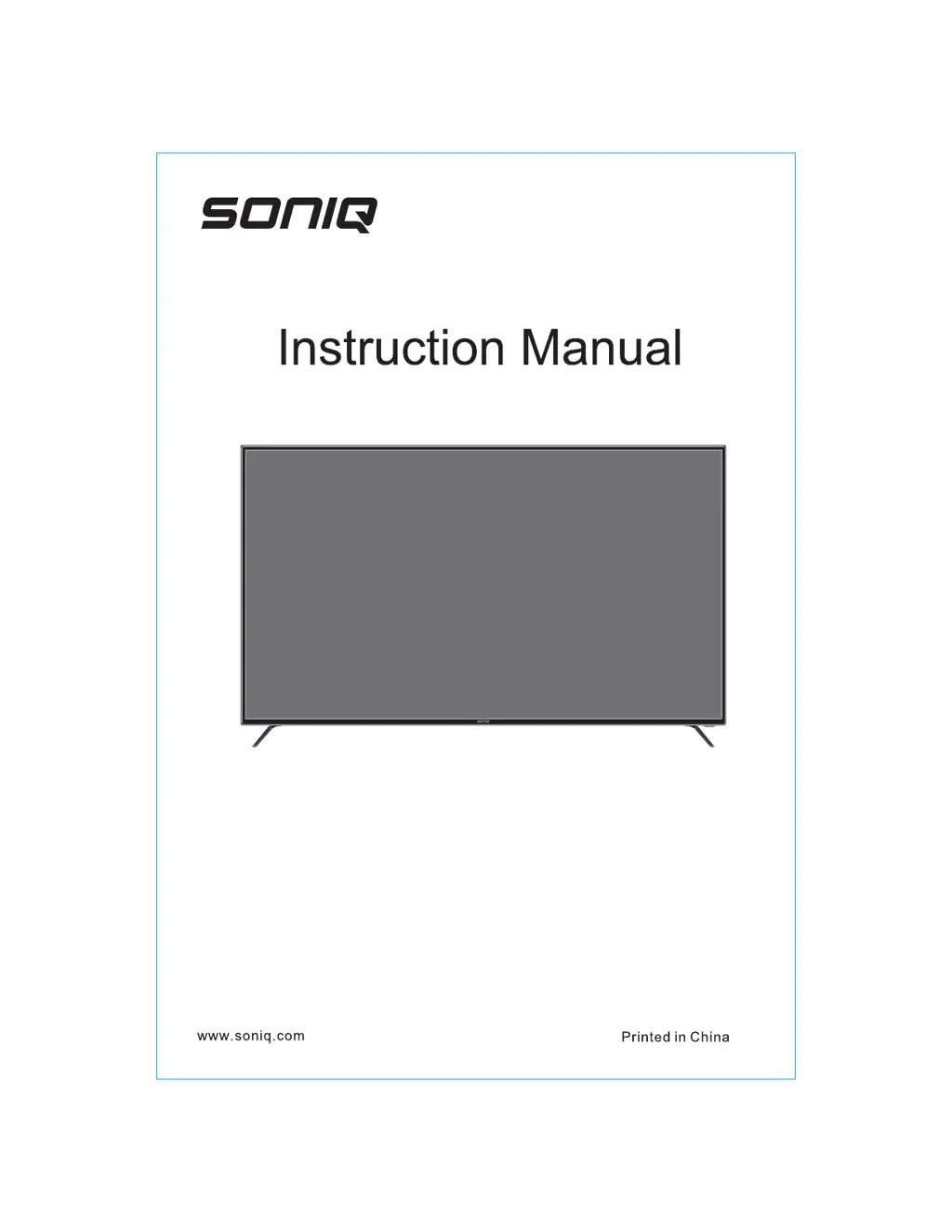
SONIQ E65UV40A - User Manual

SONIQ E65UV40A
18 pages
Print Icon
To Next Page IconTo Next Page
Loading...
E65UV40A
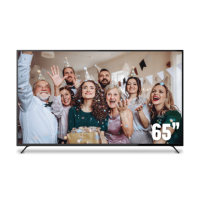
65’’ UltraHD LED LCD TV

Questions and Answers

Summary

General Safety Precautions

Tip-over Prevention Guide

Best practices for furniture and TV tip-over prevention to ensure safety.

Accessory List

Stand and Wall Mounting

Stand Assembly

Instructions on how to attach the TV stand to the unit.

Wall Mounting Instructions

Guidance for mounting the TV on a wall, including hole specifications.

Control Button Overview

Connectivity Terminals

Remote Controller Operations

Remote Control Functionality

Details on using the remote control, including battery installation and effective range.

Button Descriptions

Explanation of each button's function on the remote control.

Menu Operation Guide

Input Source Selection

How to select and switch between different input sources.

Channel Operations

Procedures for channel selection, management, and tuning.

Picture Settings

Adjusting picture quality like Contrast, Brightness, Color, and Sharpness.

Sound Settings

Configuring audio preferences, including Sound Mode and volume adjustments.

System and Time Settings

Managing clock, timers, and auto-sleep functions.

Security and Options

Configuring system locks, parental guidance, and other options.

Main Launcher - Multimedia

Product Specifications

Supported PC Input Signals

Details on compatible PC input resolutions and frequencies.

Troubleshooting Guide

Support Hotline Information

SONIQ E65UV40A Specifications

General IconGeneral
Screen Size65 inches
Display TechnologyLCD
Resolution3840 x 2160 (4K UHD)
Display TypeFlat
Smart TVYes
HDMI Ports3
USB Ports2
Wi-FiYes
BluetoothYes
Audio Output20W
Refresh Rate60Hz
Operating SystemAndroid TV

Related product manuals