-14 -
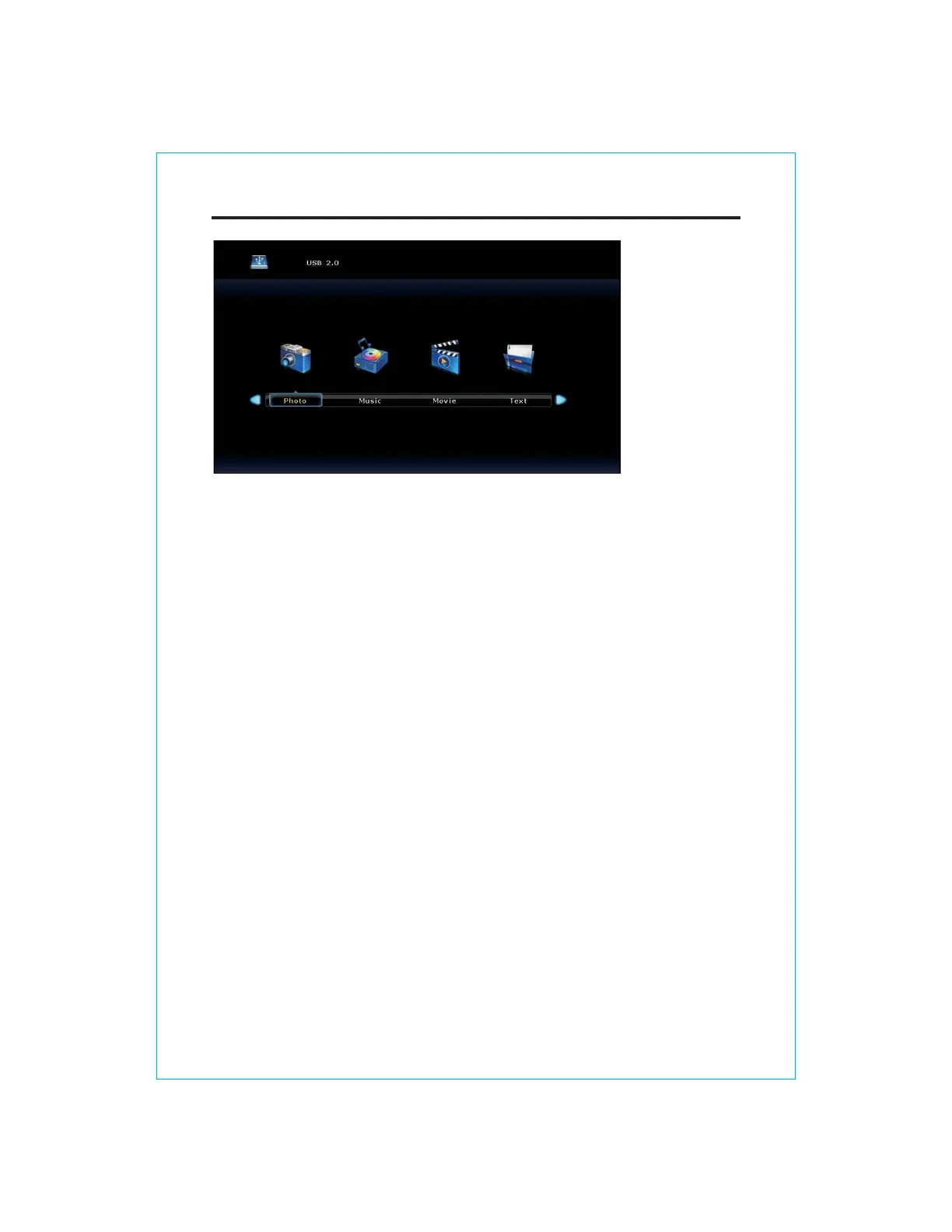
MAIN LAUNCHER
The USB storage devices should beinserted into the terminal.
Select the Media(or USB) source and view the multimedia.
Select the multimedia and press the
[ OK ] button to enter.
In the play interface, according to the menu display operation (Ifthe menu has
disappeared, you can press the [ OK ] button).


 To Next Page