TroubleshootingTroubleshooting
1010
If you are having problems operating the SA-767, or suspect something is wrong with
the unit, please check the problem list below to see if the issue is a result of incorrect
operation rather than equipment malfunction. If you are still unable to resolve the
problem, please contact our SONKEN tech. service center at
If you are having problems operating the SA-767, or suspect something is wrong with
the unit, please check the problem list below to see if the issue is a result of incorrect
operation rather than equipment malfunction. If you are still unable to resolve the
problem, please contact our SONKEN tech. service center at
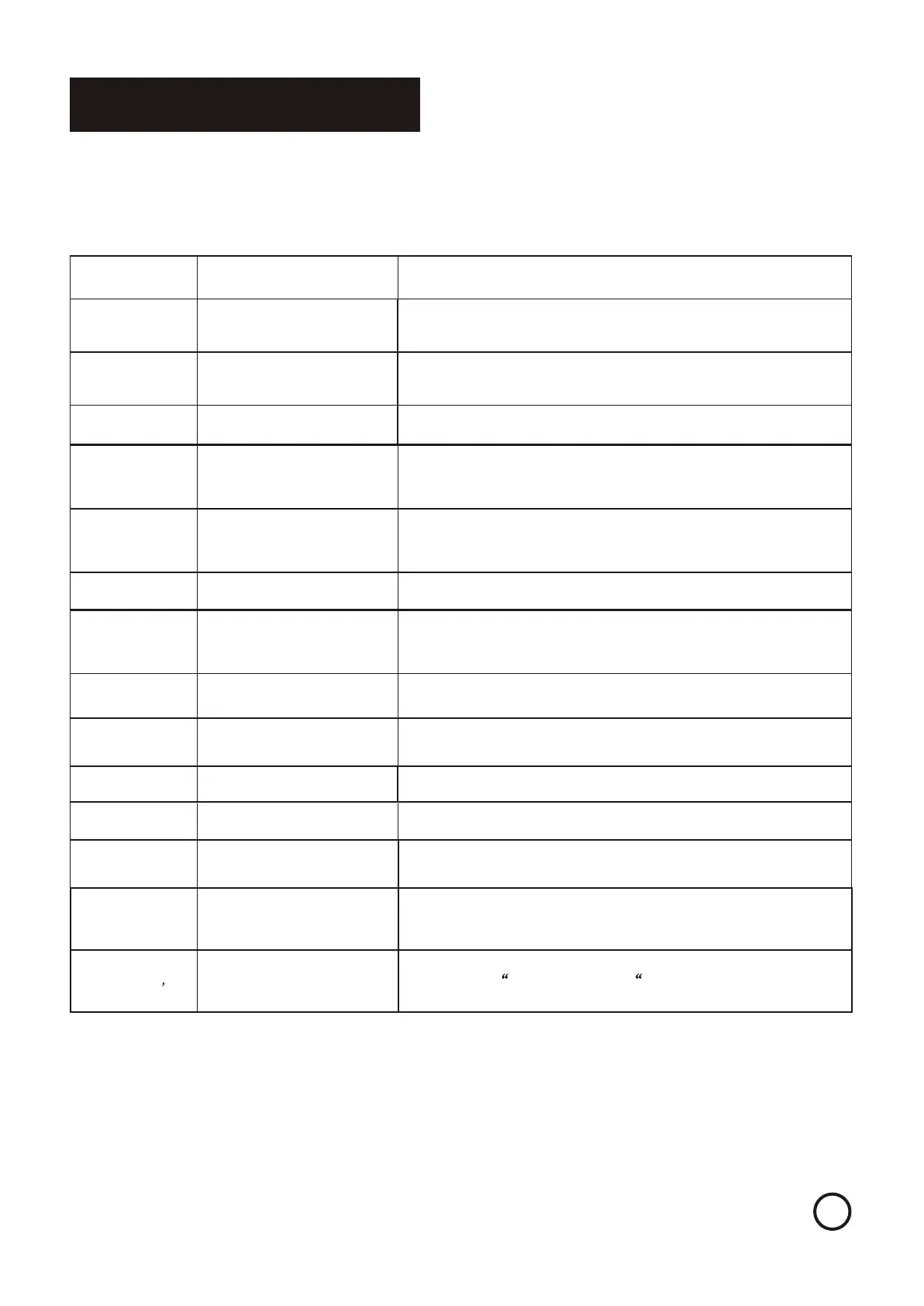
Symptom Possible Causes SolutionSymptom Possible Causes Solution
Will not turn onWill not turn on
AC power adapter cord is
incorrectly attached or not
plugged into outlet
AC power adapter cord is
incorrectly attached or not
plugged into outlet
Check both the AC adapter connection as well as the AC outlet connection.
Check the fuse below the AC adapter and see if it is broken.
Check the fuse if it is broken. Check the EQ loops on the rear of machine.
Check both the AC adapter connection as well as the AC outlet connection.
Check the fuse below the AC adapter and see if it is broken.
Check the fuse if it is broken. Check the EQ loops on the rear of machine.
No audio can be
heard, audio signal
meter shows signal
No audio can be
heard, audio signal
meter shows signal
Incorrect input source selectedIncorrect input source selected
Check to make sure the correct corresponding button is pressed on the input
selector in relation to your audio source.
Check to make sure the correct corresponding button is pressed on the input
selector in relation to your audio source.
MUSIC VOL control is downMUSIC VOL control is down
Check to see if MUSIC VOL control is all the way down. If so, turn the knob slowly
clockwise.
Check to see if MUSIC VOL control is all the way down. If so, turn the knob slowly
clockwise.
Poor or incorrect output
connection to speakers or other
external units, or bad/defective
cables, wires or connectors
Poor or incorrect output
connection to speakers or other
external units, or bad/defective
cables, wires or connectors
Double check all output connections to speakers or other units. Try using another
set of cables/cords. Make sure to turn POWER OFF before reconnecting cables.
Double check all output connections to speakers or other units. Try using another
set of cables/cords. Make sure to turn POWER OFF before reconnecting cables.
No audio can be
heard, audio signal
meter DOES NOT
show signal
No audio can be
heard, audio signal
meter DOES NOT
show signal
Poor or incorrect input
connection from audio source
unit, or bad/defective cables,
wires or connectors
Poor or incorrect input
connection from audio source
unit, or bad/defective cables,
wires or connectors
Double check all input connections from audio source units. Try using another set
of cables/cords. Make sure to turn POWER OFF before reconnecting cables.
Double check all input connections from audio source units. Try using another set
of cables/cords. Make sure to turn POWER OFF before reconnecting cables.
No microphone
signal can be heard
No microphone
signal can be heard
Microphone controls are turned
down
Microphone controls are turned
down
Check MIC MASTER VOL and all MIC VOL controls to see if they are turned
down. If so, turn the knob slowly clockwise.
Check MIC MASTER VOL and all MIC VOL controls to see if they are turned
down. If so, turn the knob slowly clockwise.
Poor or incorrect input
connection from microphone, or
bad/defective cables, wires or
connectors.
Poor or incorrect input
connection from microphone, or
bad/defective cables, wires or
connectors.
Double check all microphone connections. Try using another cable/cord. Make
sure to turn MIC MASTER VOL down before reconnecting cables.
Double check all microphone connections. Try using another cable/cord. Make
sure to turn MIC MASTER VOL down before reconnecting cables.
Recording quality is poorRecording quality is poor
Microphones sensitivityMicrophones sensitivity
Please try to use other professional microphonePlease try to use other professional microphone
Unpleasant howling
and screeching heard
from speakers
Unpleasant howling
and screeching heard
from speakers
Microphone feedbackMicrophone feedback
Place microphones further away from speakers. Face microphones
away from speakers.
Place microphones further away from speakers. Face microphones
away from speakers.
Remote control not
functioning
Remote control not
functioning
Batteries are exhausted or
positioned incorrectly
Batteries are exhausted or
positioned incorrectly
Replace with fresh batteries or double check battery positioning.Replace with fresh batteries or double check battery positioning.
Remote is out of range or there
is an obstruction
Remote is out of range or there
is an obstruction
Move closer to the SA-767 or make sure no objects are obstructing your
view of the unit.
Move closer to the SA-767 or make sure no objects are obstructing your
view of the unit.
Computer already
recognized SA-767, but
can`t play/record songs.
Computer already
recognized SA-767, but
can`t play/record songs.
Audio playback/recording setup
error
Audio playback/recording setup
error
Go to control Panel--> Sound and Audio Devices-->Audio. Select the USB
Device as a source for ¡°Sound playback¡± and ¡°Sound Recording ¡±
Functions
Go to control Panel--> Sound and Audio Devices-->Audio. Select the USB
Device as a source for ¡°Sound playback¡± and ¡°Sound Recording ¡±
Functions
LCD monitor screen
turns black when I
switch input selection
LCD monitor screen
turns black when I
switch input selection
Need to switch both source input
and monitor input to Record
mode to have LCD monitor shows
RECORDING mode.
Need to switch both source input
and monitor input to Record
mode to have LCD monitor shows
RECORDING mode.
The LCD monitor will show the content of the RECORDING mode. otherwise the
LCD monitor will become blank. Only when both source input and monitor input
are in RECORD mode,
The LCD monitor will show the content of the RECORDING mode. otherwise the
LCD monitor will become blank. Only when both source input and monitor input
are in RECORD mode,
No video display ,
microphone and
equalizer doesn t
work
No video display ,
microphone and
equalizer doesn t
work
Switch the MUSIC DIRECT button to off position Switch the MUSIC DIRECT button to off position


 To Next Page
 Loading...