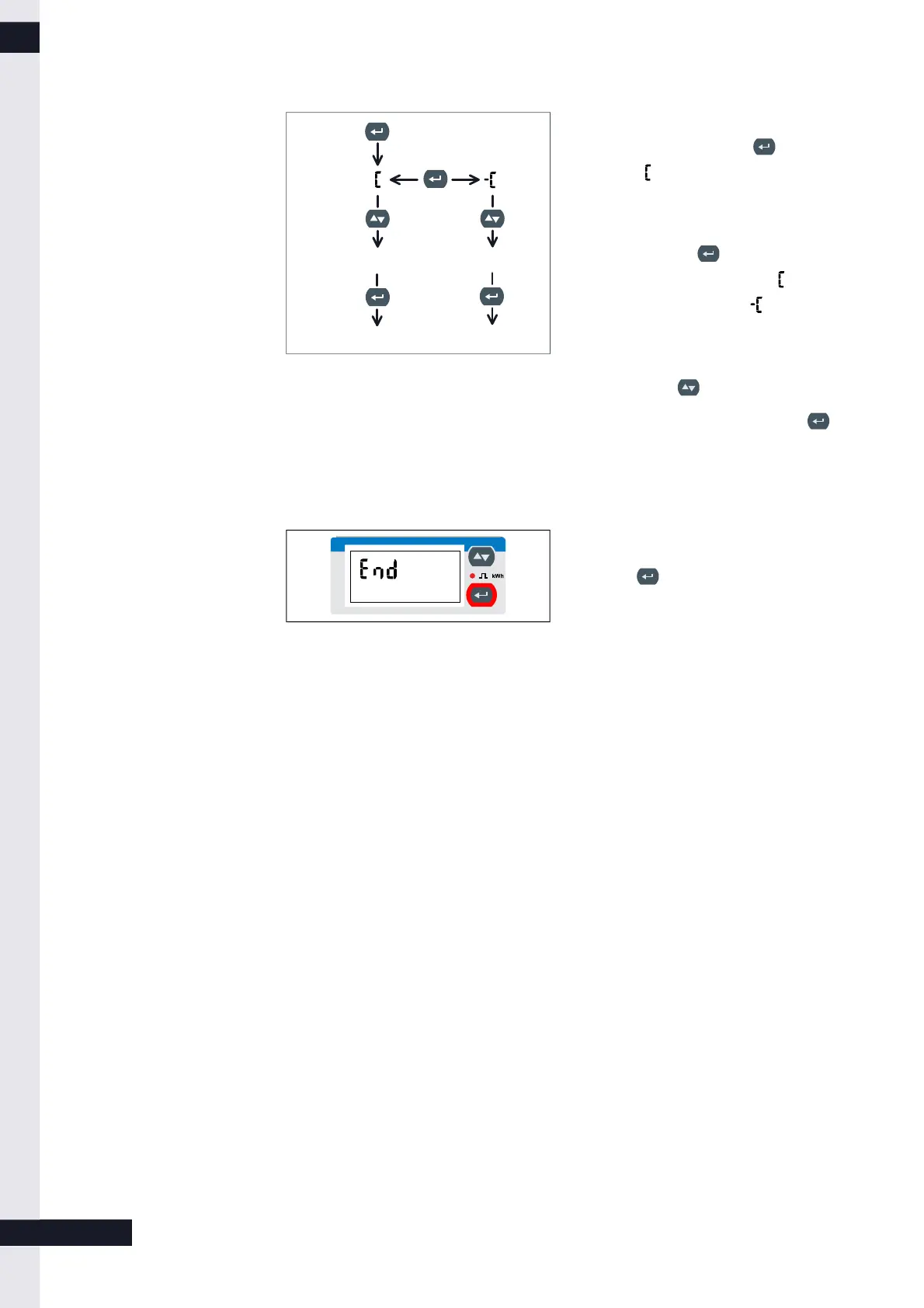
1. Changing of values becomes
possible by pressing the key. The
symbol appears on the touch
display.
2. The algebraic sign can be changed
by pressing the key again. The
selected value is increase if is
selected and reduced if is
selected.
3. The desired value can be selected by
pressing the key.
4. To set a selected value press the
key (for about 3 seconds).
3.1.4 Leaving the programming mode
► Navigate to the End screen.
► Press to leave the programming
mode.
The power meter is now set to display
mode.
8 / 9
KD-395 | DE | X00



 To Next Page