4
Chapter 3 – PCIe Card Installation Steps
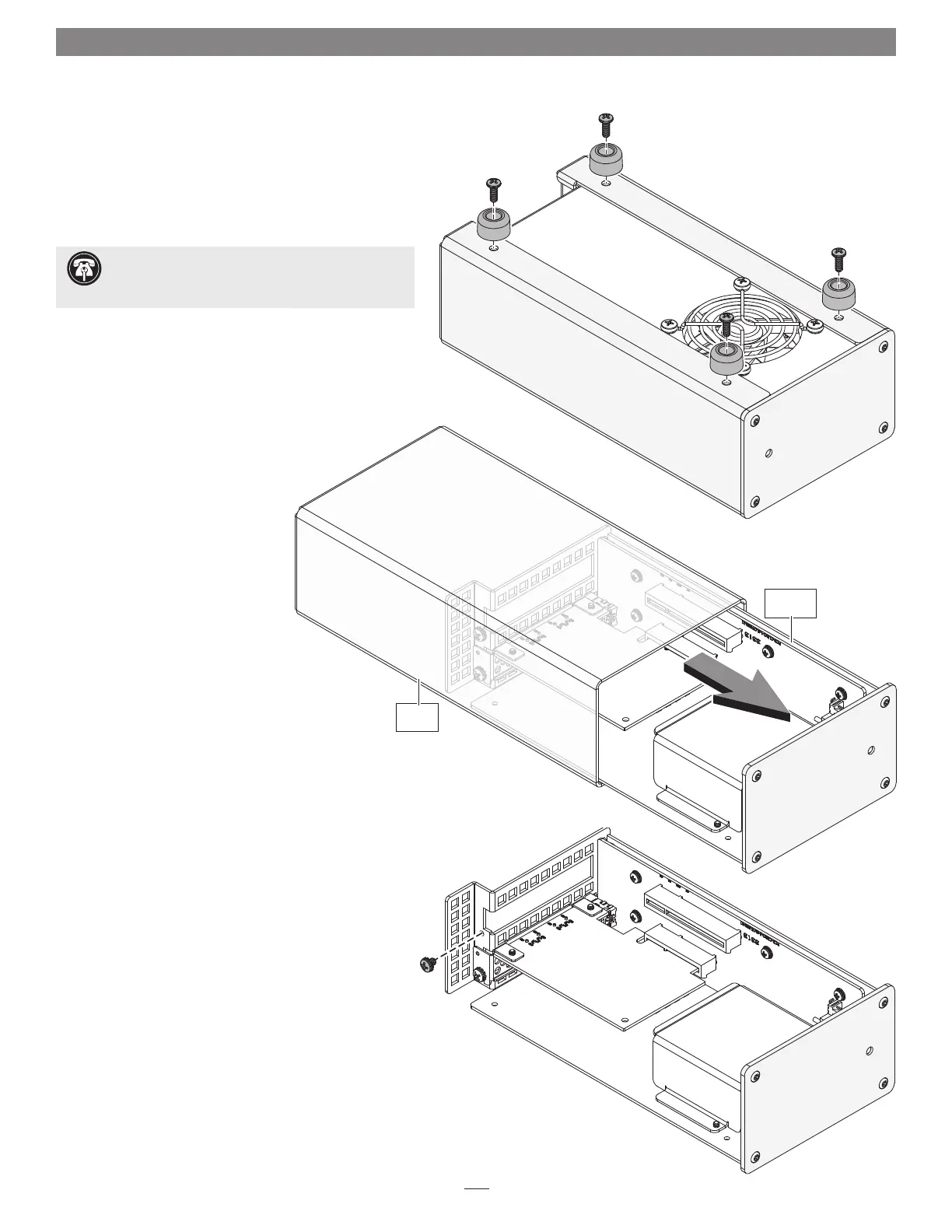
Figure 1
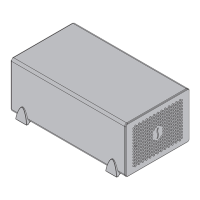
1. Remove the Echo Express SEL chassis from its packaging, and then set it
upside-down on a soft, flat, level surface.
2. Remove and set aside the four screws securing the feet to the
bottom of the outer case (Figure 1). Set aside the screws
and feet.
3. Turn the Echo Express SEL chassis right-side-up
(Figure 2).
4. Place your hand on top of the outer
case. Remove the inner assembly
by gently grasping its faceplate by
the edges and pulling (Figure 3).
Set aside the outer case.
5. Remove and set aside the screw used to secure a PCIe card from the
Echo Express SEL chassis’ inner assembly (Figure 3).
Support Note: To avoid damaging components due
to static electricity discharge, wear an antistatic wrist
strap while working inside Echo Express SEL.
Figure 2
Figure 3
Inner
Assembly
Outer
Case



 To Next Page