5
3. Adding Sub-device
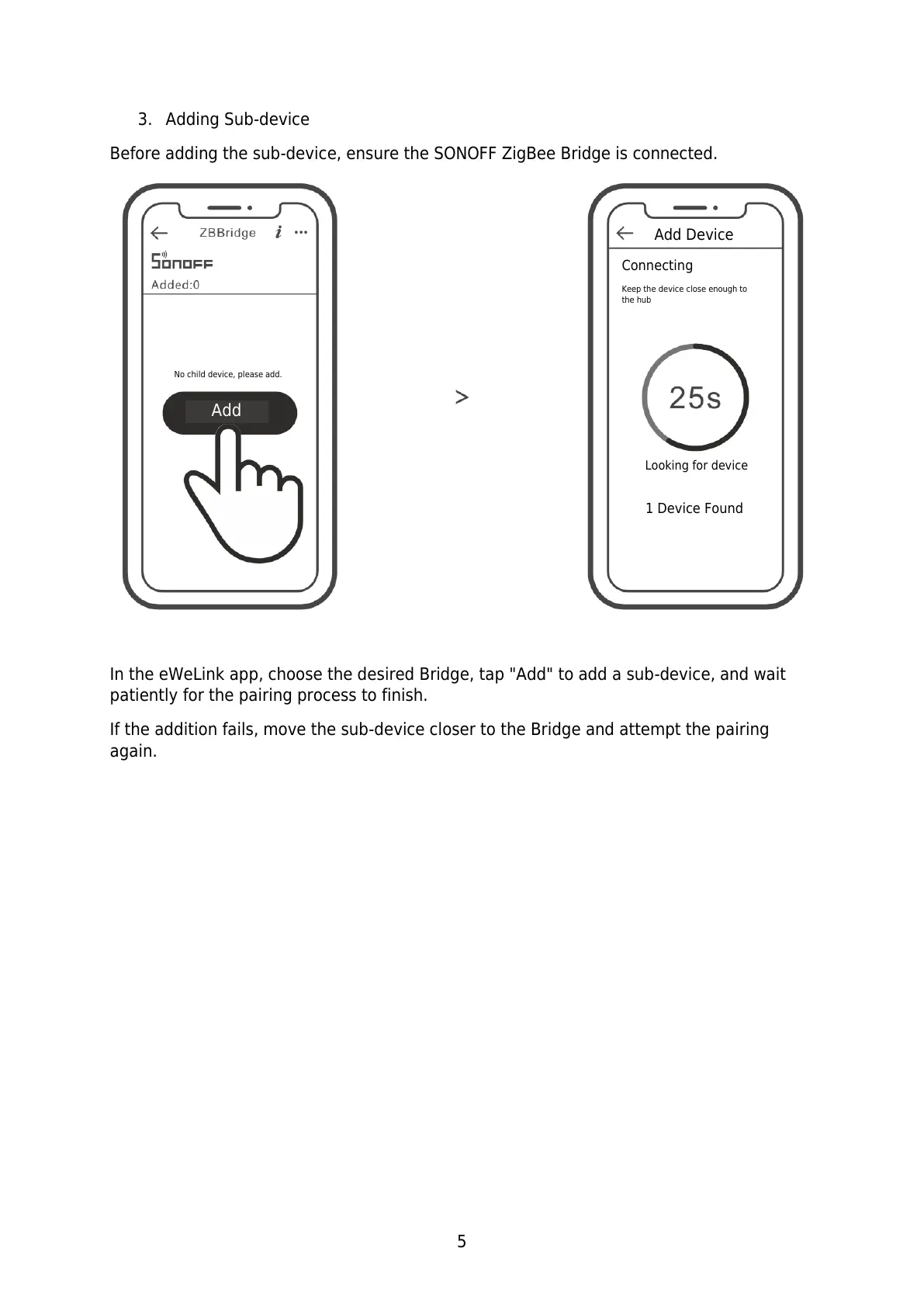
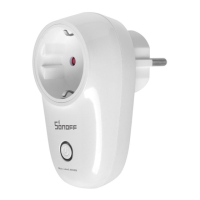
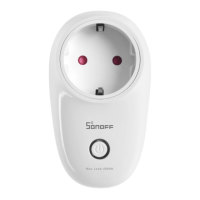
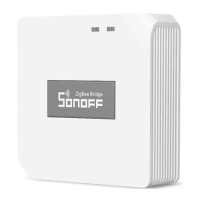
Before adding the sub-device, ensure the SONOFF ZigBee Bridge is connected.
In the eWeLink app, choose the desired Bridge, tap "Add" to add a sub-device, and wait
patiently for the pairing process to finish.
If the addition fails, move the sub-device closer to the Bridge and attempt the pairing
again.
No child device, please add.
Keep the device close enough to
the hub


 To Next Page