1
Compatible Pairing Mode
If you fail to enter Quick Pairing Mode (Touch), please try “Compatible Pairing Mode ”
to pair.
Long press Pairing button for 5s until the Wi-Fi LED indicator changes in a cycle
of two short flashes and one long flash and release. Long press Pairing button
for 5s again until the Wi-Fi LED indicator flashes quickly. Then, the device enters
Compatible Pairing Mode.
2
Tap “+” and select “ Compatible Pairing Mode ” on APP.
Select Wi-Fi SSID with ITEAD-****** and enter the password 12345678, and then
go back to eWeLink APP and tap “Next”. Be patient until pairing completes.
SONOFF TECHNOLOGIES CO., LTD.
English
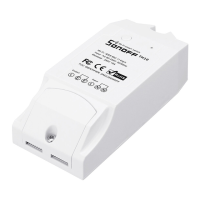
TH10/TH16
100-240V AC 50/60Hz
100-240V AC 50/60Hz
IEEE 802.11 b/g/n 2.4GHz
PC V0
Android & iOS
-10℃~40℃
Wi-Fi
Material
Dimension
Operating systems
Model
Input
Max.Load
Working temperature
Output
Specifications
8
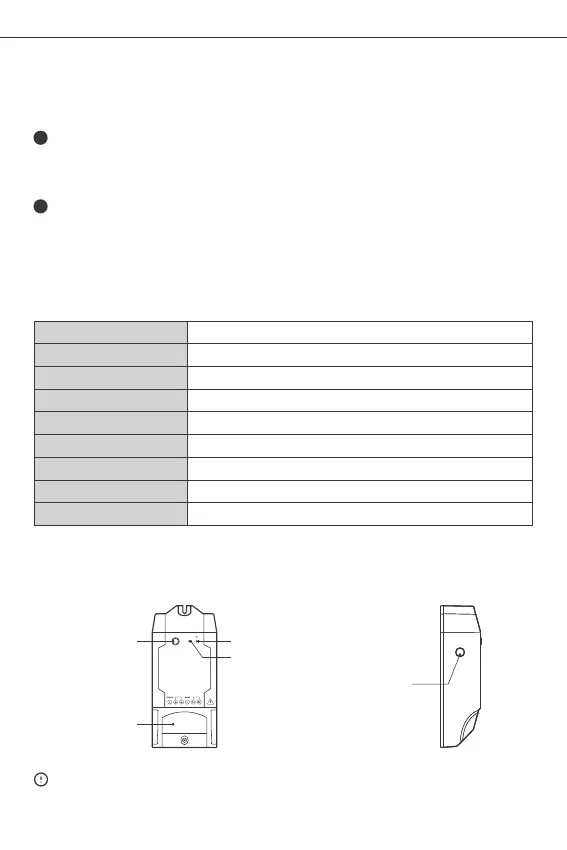
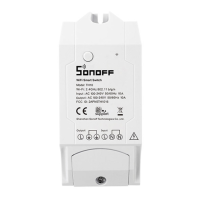
Wi-Fi LED indicator(Blue)
On/off LED indicator
Wire Fastener Cover
The device weight is less than 1 kg.
The installation height of less than 2 m is recommended.
Product Introduction
Pairing button
Manual switch
114x51x32mm
Sensor port
TH10: 10A/2200W TH16: 15A/3500W


 To Next Page