Sonos ZonePlayer 90 Setup Guide
25
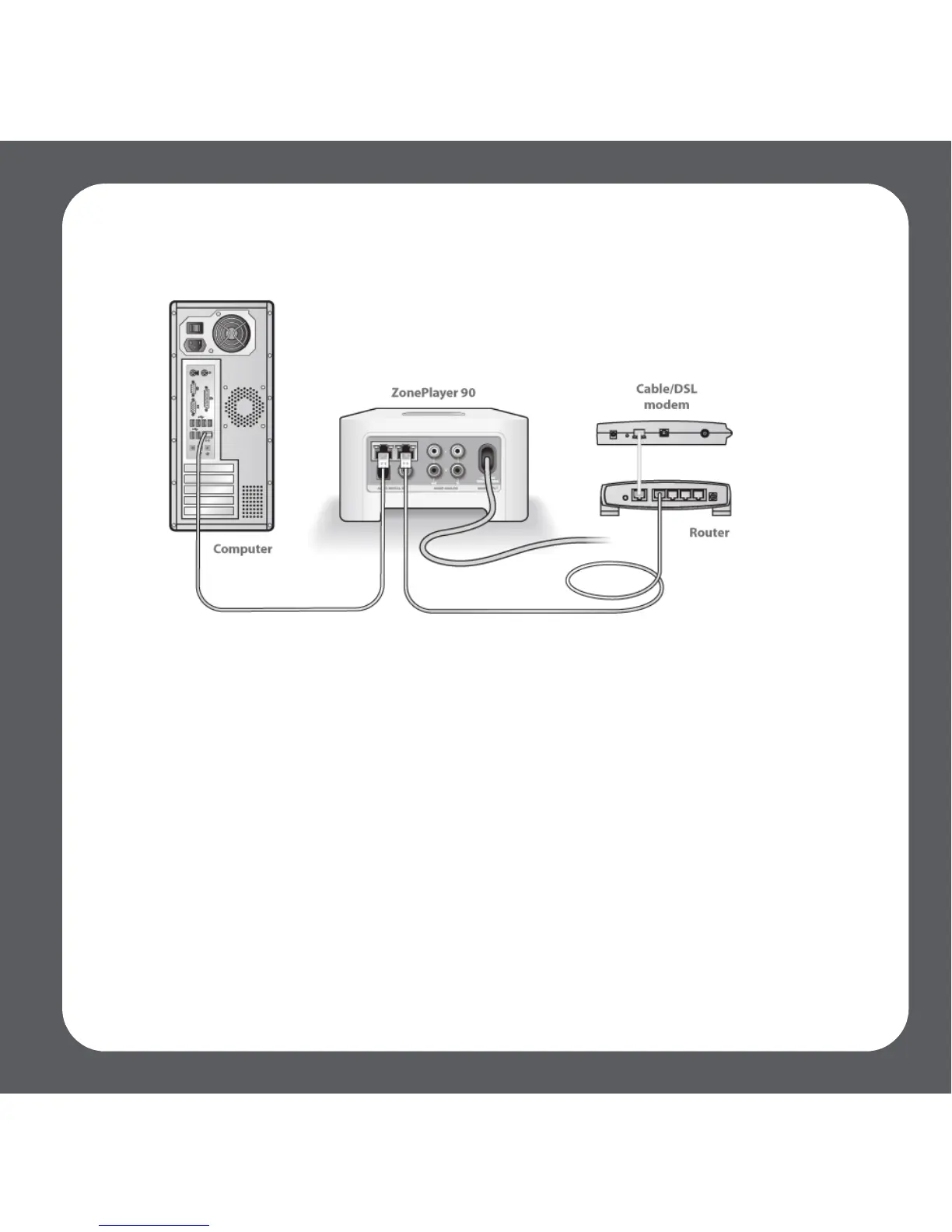
• Be sure that your cable/DSL modem is connected to the router’s WAN (Internet)
port.
• Temporarily remove any other components that are wired to your network.
• Connect an Ethernet cable from the computer directly to the back of the Zone-
Player, and then connect another Ethernet cable from the ZonePlayer directly to
one of the LAN ports on your router.
• When you make a change to your network configuration, you may need to
power cycle the ZonePlayer by unplugging the power cord, and then plugging
it back in.
• If you are not using a router, visit our Web site at http://faq.sonos.com/norouter
for more information.



 To Next Page