Sonos ZonePlayer 90 Setup Guide
8
Install the software
Insert the Sonos System Setup CD-ROM, and follow the prompts to connect your
ZonePlayer(s) and set up access to your music files. (If you purchased multiple Sonos
components, you may have more than one System Setup CD-ROM—use the one that
accompanied your ZonePlayer and you can put the others away.)
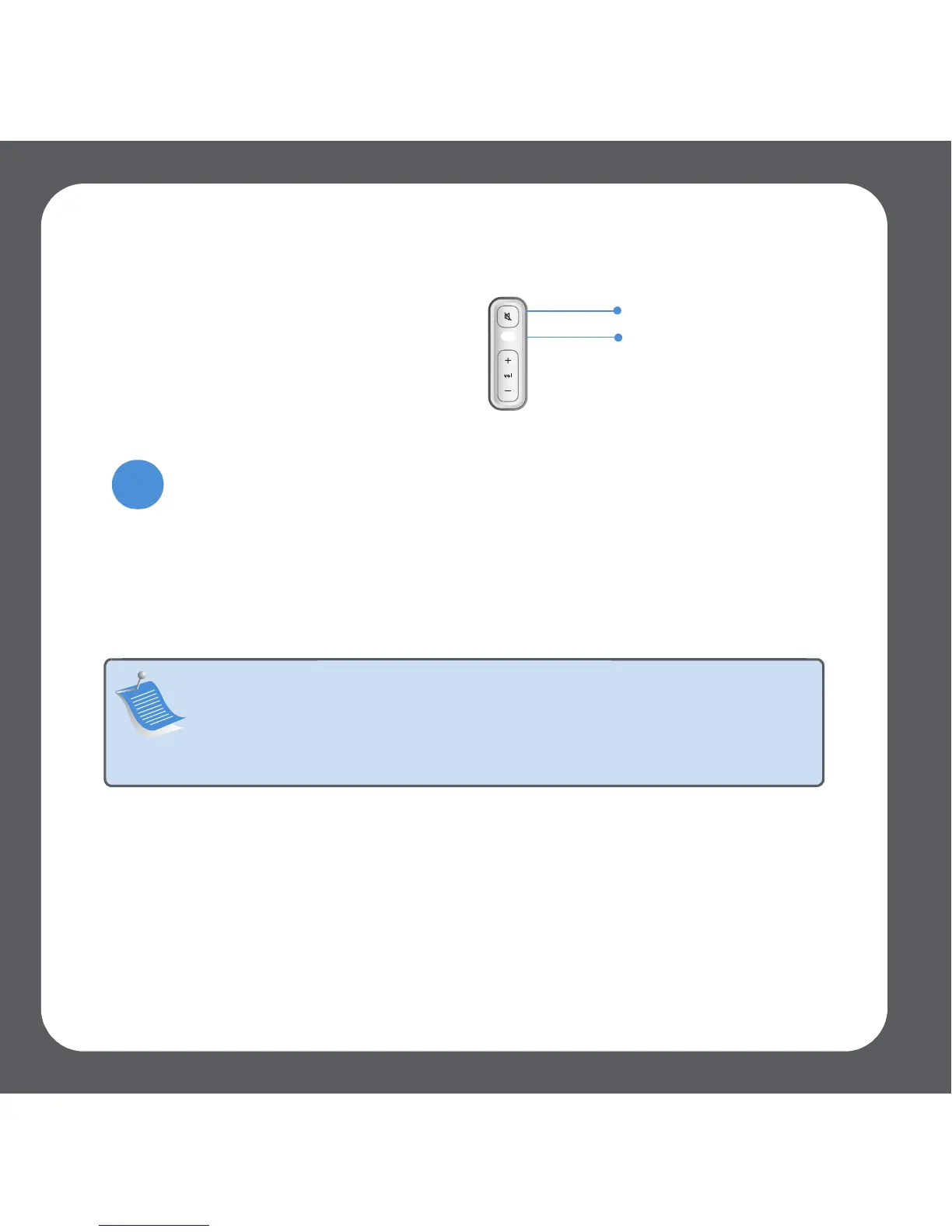
Proceed to step 3 when the
ZonePlayer Status indicator on the
ZonePlayer’s front panel flashes white
and the Mute button flashes green.
Note: During the setup process, you will be prompted to check for
software updates. Select Yes to ensure that you set up your music system
using the latest software release. (If you add additional Sonos
components, you may be prompted to update your music system again
during the setup process.)
Mute button (green)
ZonePlayer
Status Indicator
(white)
3



 To Next Page