10 11
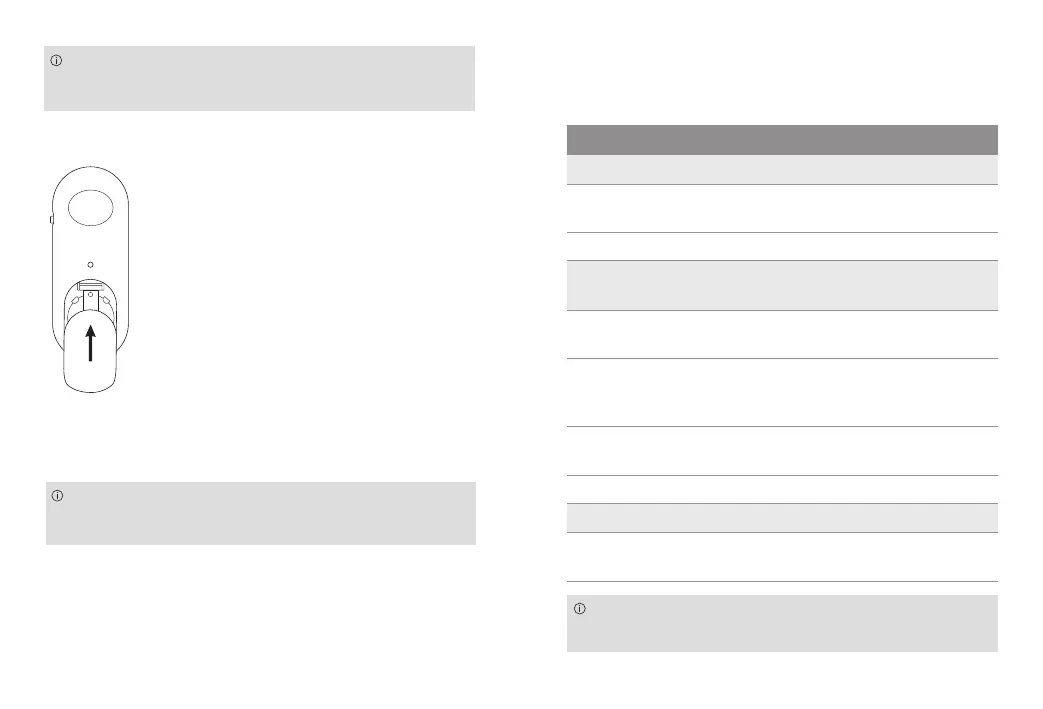
The Easy Line Remote Control requires a lithium
button cell (CR2032)
Close the battery compartment
Reset the Easy Line Remote Control
A reset of your Easy Line Remote Control will
remove the pairing to your hearing aids.
Press the volume up “+” button and the program
change button for more than 10 seconds.
Troubleshooting
If the problem persists, contact your hearing care
professional for assistance.
Cause What to do
Issue: No indicator light when a buton is pressed
Remote Control is
switched off
Switch on your Remote Control
Battery is empty Change battery
Issue: Hearing aids do not respond to the Remote
Control commands
Hearing aids are
switched off
Switch on your hearing aids
Hearing aids are not
paired with your Remote
Control
Pair the Remote Control
Remote Control is
switched off
Switch on your Remote Control
Battery is empty Change battery
Issue: Solid red indicator
General device error Reset your Remote Control and
pair your hearing aids


 To Next Page