www.sonyericsson.com/support to
read Feature guides.
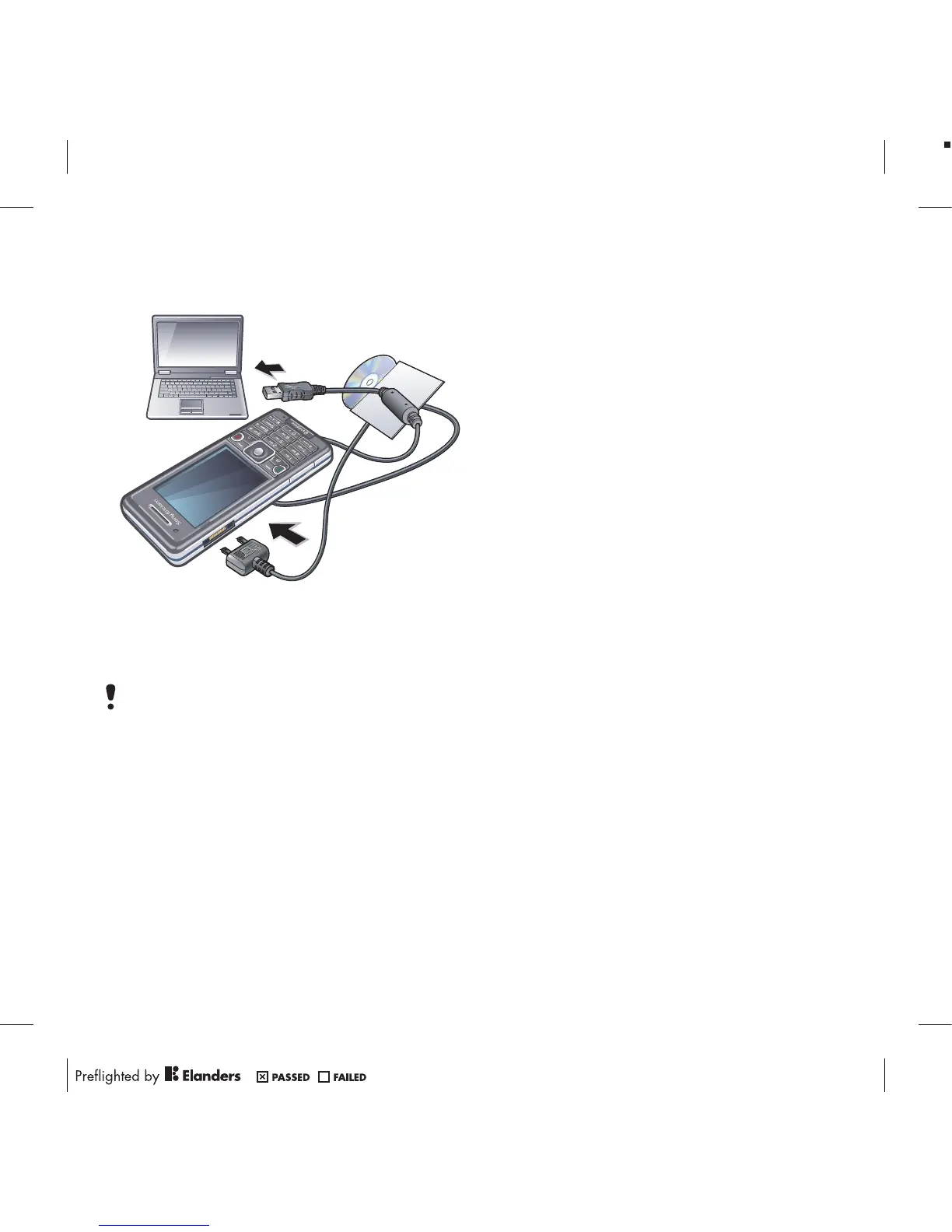
Before using the USB cable
See Required operating systems on
page 25.
Only use a USB cable supported by your
phone. Do not remove the USB cable
from your phone or computer during
transfer as this may corrupt the memory
card or the phone memory.
To disconnect the USB cable safely
1
Computer: Close any software that you
are using with your phone.
2
Disconnect the USB cable.
Drag and drop content
You can drag and drop content
between your phone, a memory card
and a computer in Microsoft Windows
Explorer.
To drag and drop content
1
Connect your phone to a computer
using the USB cable.
2
Phone: Select Media transfer. The
phone will remain activated during file
transfer.
3
Computer: Wait until the phone
memory and memory card appear as
external disks in Windows Explorer.
4
Drag and drop selected files between
the phone and the computer.
Phone name
You can enter a name for your phone
that is shown to other devices when
using, for example, Bluetooth™
wireless technology.
To enter a phone name
1
From standby select Menu > Settings >
the Connectivity tab > Phone name.
2
Enter the phone name and select OK.
26 Transferring and handling content












 To Next Page