Music
You can listen to music, audio books
and podcasts. Use Sony Ericsson
Media Manager to transfer content to
and from your phone. For more
information, see Transferring content
to and from a computer on page 25.
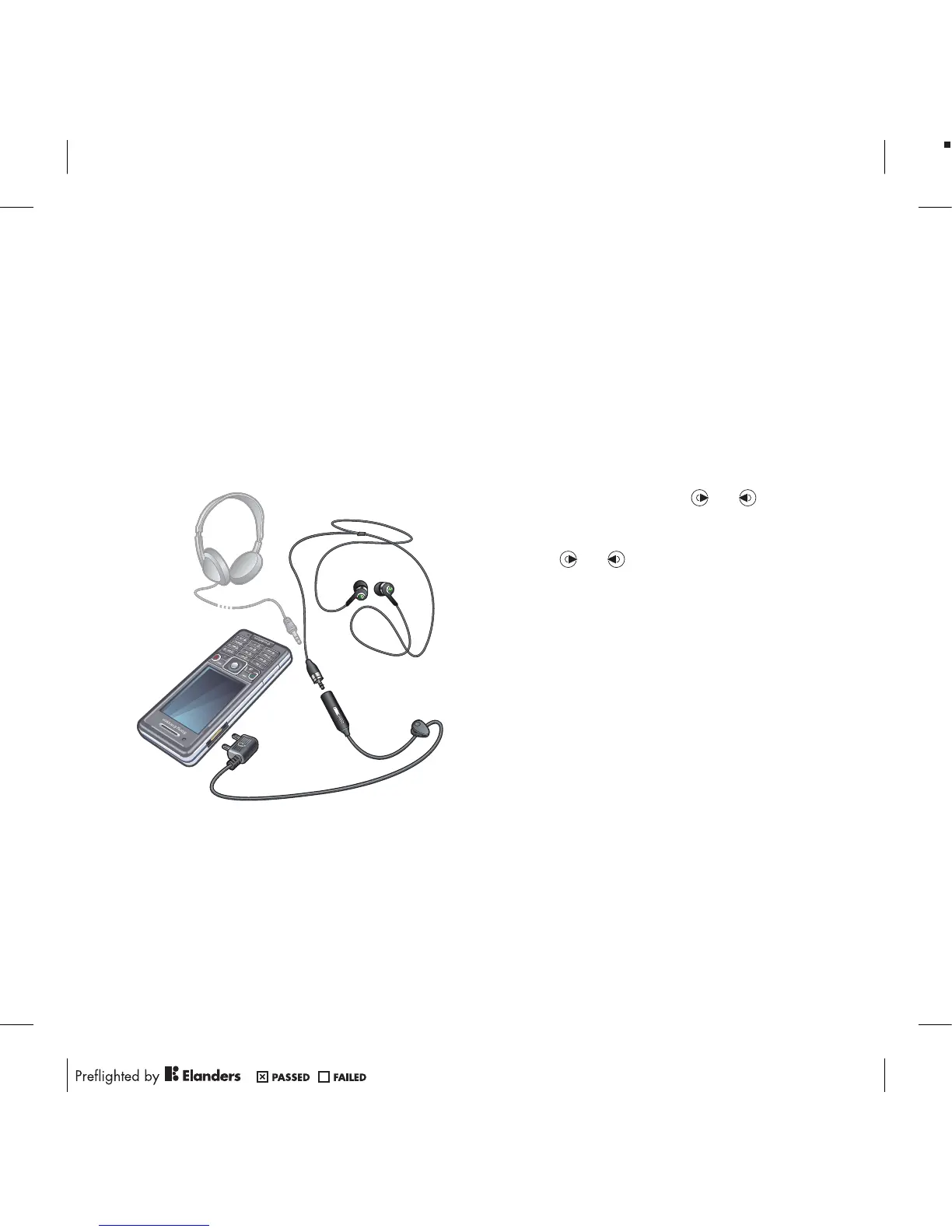
Stereo portable handsfree
To use the handsfree
•
Connect the portable handsfree. Music
stops when you receive a call and
resumes when the call has ended.
To play music
1
From standby select Menu > Media >
Music.
2
Browse by category using the
navigation key.
3
Scroll to a title and select Play.
To stop playing music
•
Press the centre selection key.
To fast forward and rewind
•
Press and hold down
or .
To move between tracks
•
Press or .
To change the volume
•
Press the volume key up or down.
To minimise the player
•
Select Options > Minimise.
To return to the player
•
From standby select Menu > Media.
Playlists
You can create playlists to organise
your music. You can add tracks to
more than one playlist.
Deleting a playlist, or a track from a
playlist, does not delete the track from
44 Music












 To Next Page