41Entertainment
Entertainment
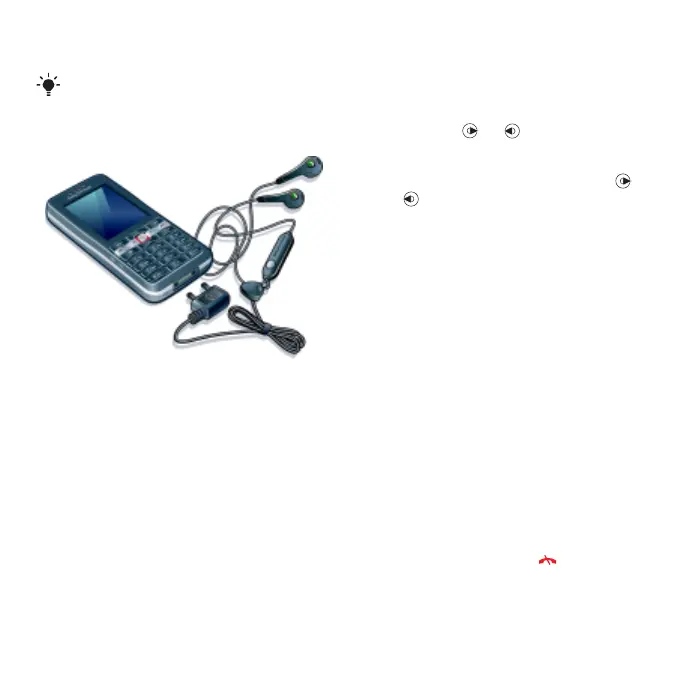
Stereo portable handsfree
To use the handsfree
• Connect the portable handsfree. Music
stops when you receive a call and
resumes when the call has ended.
Music player
To play music
1 From standby select Menu > Media
> Music.
2 Scroll to a title and select Play.
To stop playing music
• Press the centre navigation key.
To fast forward and rewind
• When you listen to music, press and
hold down or .
To move between tracks
• When you listen to music, press
or .
Video player
To play videos
1 From standby select Menu > Media
and scroll to Video.
2 Scroll to a title and select Play.
To stop playing videos
• Press the centre navigation key.
Music and video controls
To change the volume
• Press the volume keys up or down.
To return to the player menus
• Select Back.
To exit the player menus
• Press and hold down .
To navigate your media see Navigation
on page 13.
This is the Internet version of the User's guide. © Print only for private use.









 To Next Page