44
Common questions
Q: I can not turn the phone on.
A: Charge the phone until it has finished
charging.
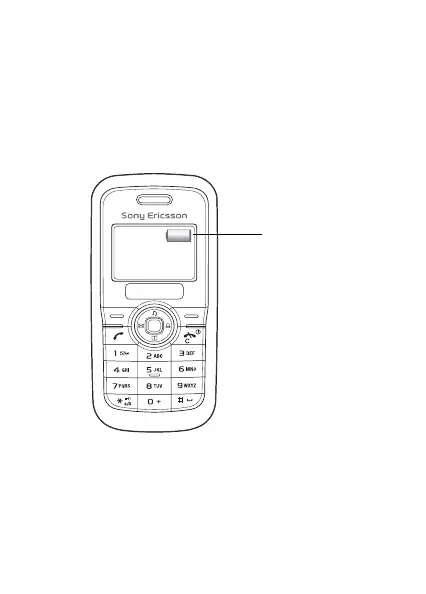
Make sure that the phone is charged. Attach the charger and
charge the phone for 2.5 hours. The battery icon may not appear
until the phone has charged for 30 minutes.
A green battery
means the phone
battery is fully
charged. A white
battery means the
phone battery is
empty.
This is the Internet version of the user’s guide © Print only for private use.












 To Next Page