Trouble Shooting Guide, Mechanical
4/000 21-1/FEA 209 544/116 C
Company Internal
© Sony Ericsson Mobile Communications AB
22(31)
Problem Area
Items to Check
Repair Action
Reference Image
If the issue has not been resolved !
• Handle the unit according to local
directives.
Before proceeding !
• Perform a flash upgrade and a setting
reset.
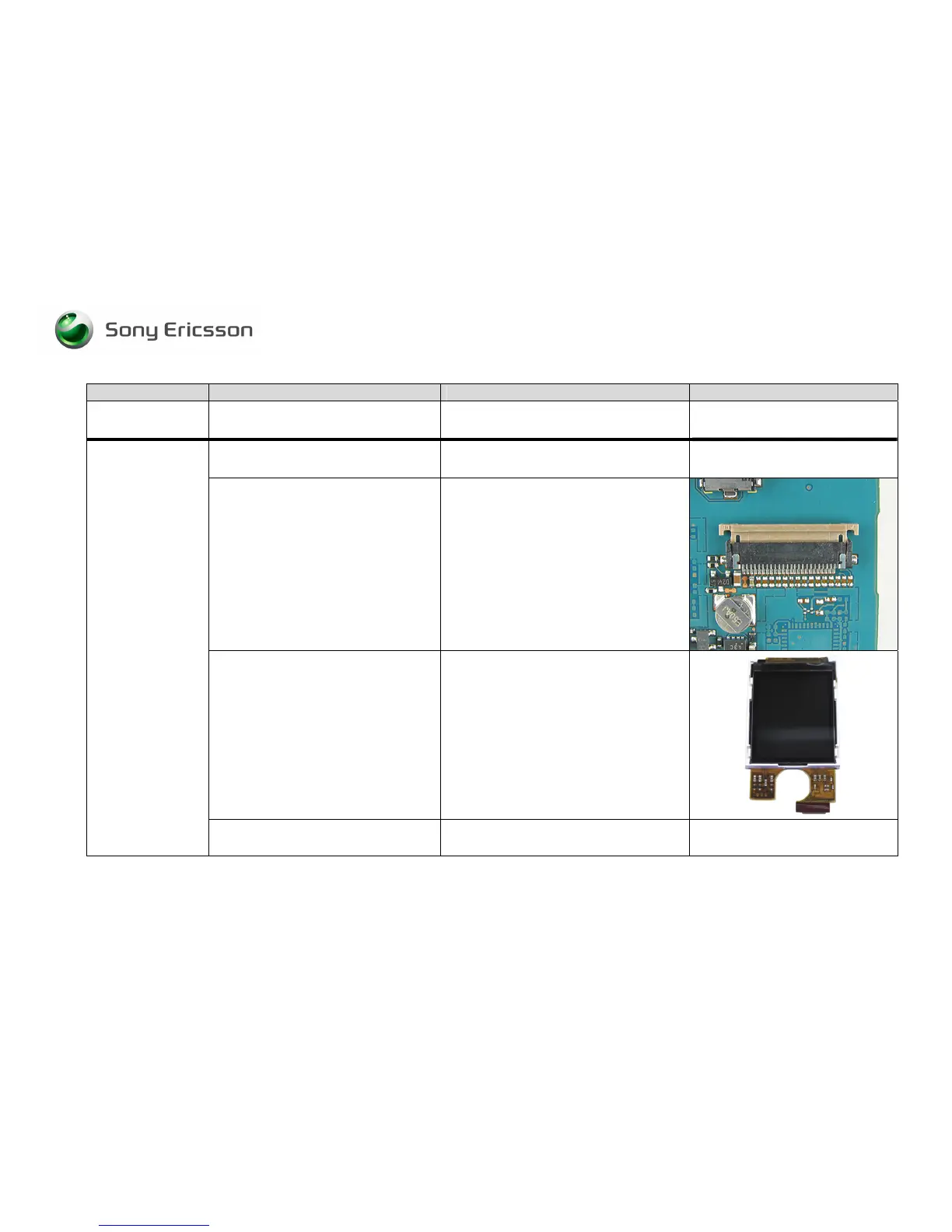
Visually inspect whether the LCD flex
film is properly connected to its
connector on the PCB
• If improperly connected – Re-establish
proper connection.
If issue has not been resolved !
• Replace the LCD.
LCD
If the issue has not been resolved !
• Handle the unit according to local
directives.














 To Next Page