Trouble Shooting Guide, Mechanical
4/000 21-1/FEA 209 544/116 C
Company Internal
© Sony Ericsson Mobile Communications AB
24(31)
Problem Area
Items to Check
Repair Action
Reference Image
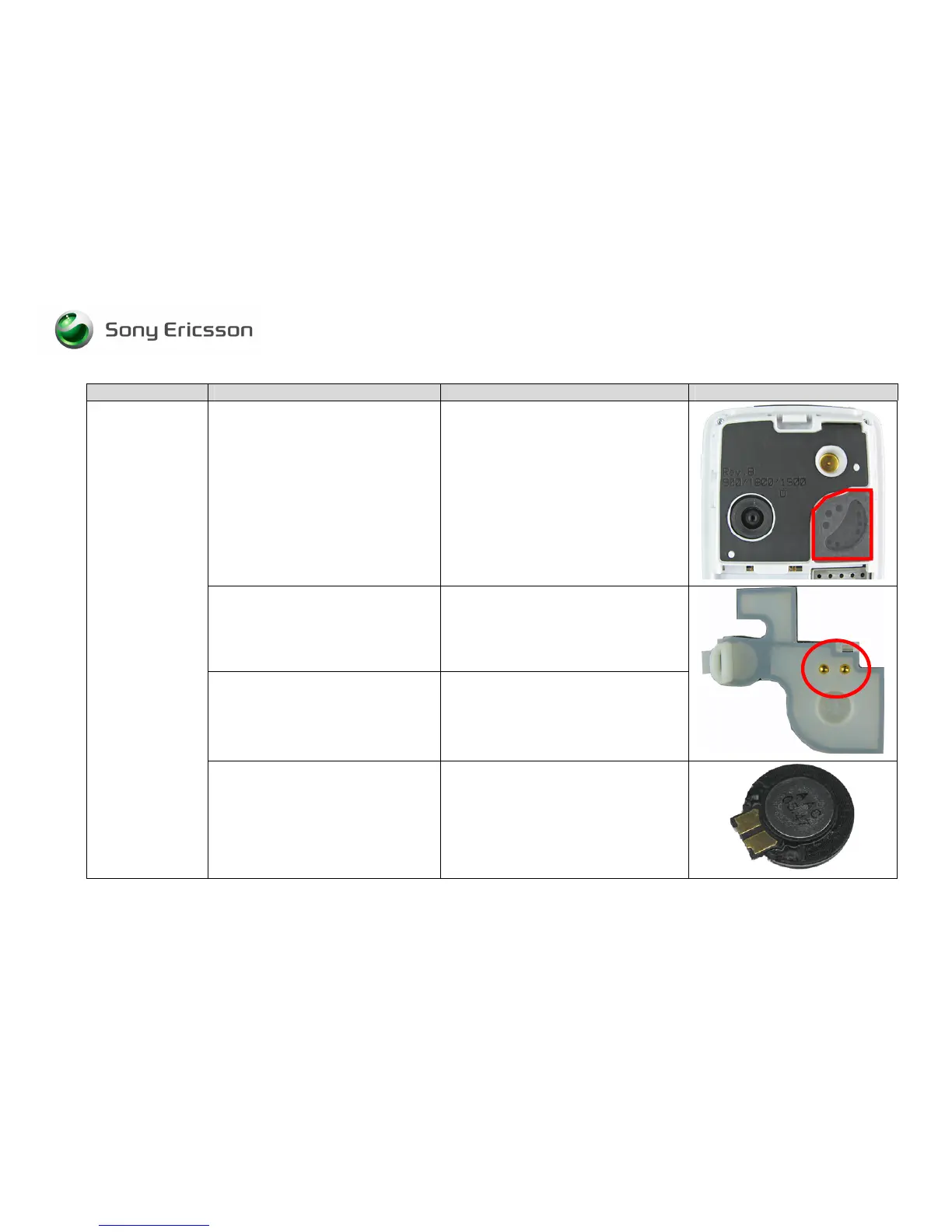
Visually inspect the speaker’s dust
cloth
• If dirty or damaged – frame (B cover).
Visually inspect the audio cover
• If damaged – replace it.
Visually inspect the pogo pins
• If missing or damaged – Replace
them.
If the issue has not been resolved !
• Replace loudspeaker.














 To Next Page