34
Imaging
Camera and video recorder
Your phone has a digital camera which also works as a digital
video recorder. Take pictures and record video clips to save,
send or use. Use a picture as a screen saver, wallpaper or a
contact item % 21 To add a picture or a ringtone to a contact.
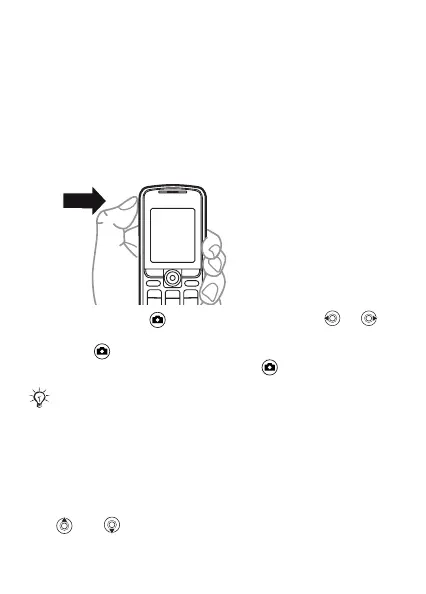
To take pictures and video clips
1 Press and hold to start the camera, press or
to switch between video and photo.
2 Press again to take a picture or start the video.
3 To end the video recording, press .
To use the zoom
Use and to zoom in and zoom out.
Alternatively, you can select Camera to start the camera,
and then Capture to take the picture or Record to start
the video.
If you try to record with a strong light source such as
direct sunlight or a lamp in the background, the screen
may black out or the picture may be distorted.
This is the Internet version of the user’s guide © Print only for private use.














 To Next Page