11
Shortcuts
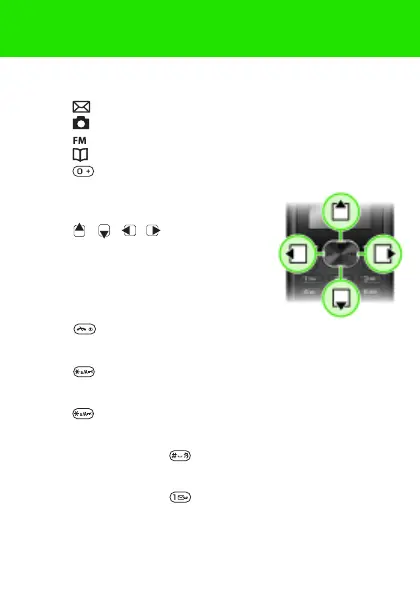
From standby you can use the navigation keys to go directly
to a function:
• Press to write a text or picture message.
• Press to go to the camera.
• Press to play the FM radio.
• Press to go to your contacts.
• Press , then the left soft key to activate torch.
To navigate the menus
1 From standby select Menu.
2 Press , , , and select
a menu.
To go back one step in the menu
• Select Back.
To return to standby
• Press .
To lock the keypad
• Press and select Lock keys.
To unlock the keypad
• Press and select Unlock.
To set the phone to silent
• Press and hold down .
To call your voicemail service
• Press and hold down .
This is the Internet version of the User guide. © Print only for private use.















 To Next Page