12
Calling
You must turn on the phone and be within range of a network.
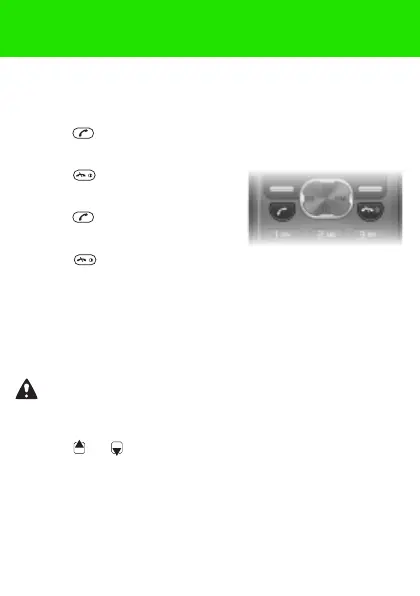
To make a call
1 From standby enter the area code and phone number.
2 Press .
To end a call
• Press .
To answer a call
• Press .
To reject a call
• Press .
To turn off the ringtone when receiving a call
• Select Silent to turn off the ringtone without answering the
call.
To turn on the loudspeaker
• Select Turn on speaker.
To change the ear speaker volume during a call
• Press or .
Do not hold the phone to your ear when using the
loudspeaker. This could damage your hearing.
This is the Internet version of the User guide. © Print only for private use.















 To Next Page