This is the Internet version of the user's guide. © Print only for private use.
71
More features
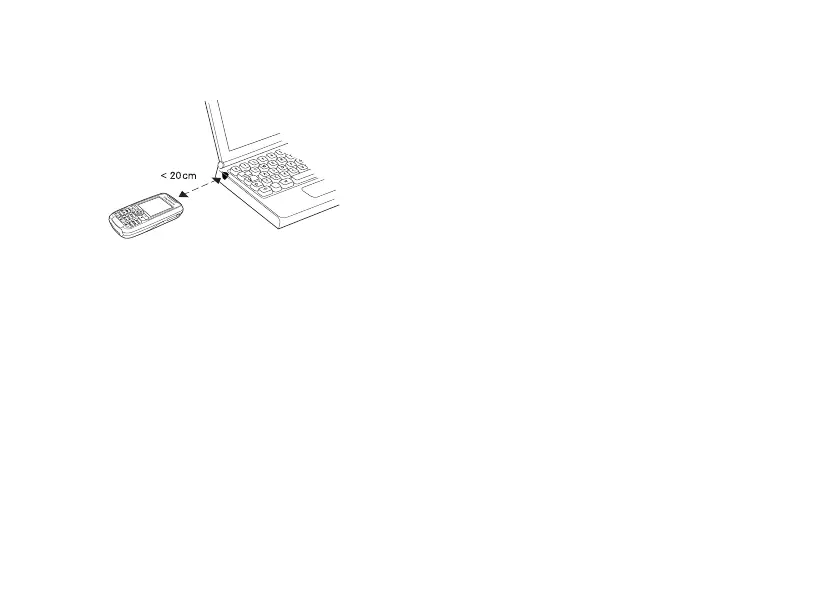
To connect two devices.
1 Place your phone as in the picture. The infrared
port on the phone must face the infrared port
on the other device.
2 Your phone now establishes contact with the
other device.
To send an item using the infrared
port (example: a contact)
1 Make sure that the infrared port of both
devices is on.
}
Phonebook and select a
contact, when contacts is default phonebook.
2 } More }
Send contact
} Via infrared.
More features
Time and date, alarm clock, calendar, tasks,
SIM card lock, etc.
Time and date
The time is always displayed in standby.
• To set the time
} Settings
} the
General tab
} Time & date
} Time. Enter the time
} Save.
• To set the time format (12-hour or 24-hour clock)
} Format
and select an option.
Date
You can set the date and date format in
Settings
}
the General tab
} Time & date
} Date.
Advanced time settings
In Settings }
the General
tab } Time & date
you can
set time zone and daylight saving time.
If you have activated
Auto time zone
, you are
asked whether you want to update the time when
your phone changes network. If you press
Yes, the
time is updated automatically.

















 To Next Page