43Connectivity
you are within range of a WLAN
network. The type of WLAN network
will decide what type of WLAN
account your phone will use.
WLAN network types
• Hot spot – a temporary account is
automatically created.
• Non-configured network – the network
is un-known to your phone. You will
be prompted to set up an account.
• Configured network – an account that
you have previously set up will be
used.
To activate your phone for WLAN
1 From Standby select Main menu >
Control panel > Connections >
WLAN.
2 Select More > Enable WLAN.
To search for available WLAN
networks
1 With WLAN enabled, select Main
menu > Control panel > Connections
> WLAN.
2 Select Scan.
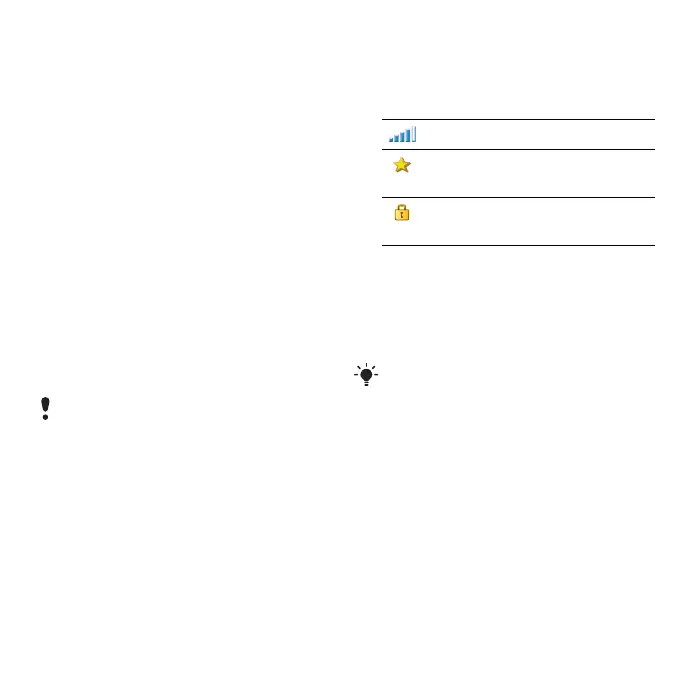
Available WLAN networks
Networks found when scanning are
listed with icons indicating network
quality and type:
To set up a WLAN account
1 From Standby select Control panel >
Connections > WLAN.
2 Select More > New account.
3 Enter required setup data and save.
Connections manager
Connections manager lets you view
and close all open Internet
connections. You can also view and
reset logs for both open and closed
connections.
To open connections manager
• From Standby select Main menu >
Tools > Connections mgr.
In France you are only allowed to use
WLAN indoors.
Network quality indicator.
Your phone has an account
for this configured network.
A secure network, requiring
encryption key(s) for access.
For more information about WLAN and
account setup, see Control panel in the
Web guide or the Help in the phone.
This is the Internet version of the User's guide. © Print only for private use.












 To Next Page