2
Congratulations on your purchase of the
Sony Ericsson T250i. For additional phone content,
go to www.sonyericsson.com/fun. Register now
to get free online storage and special offers at
www.sonyericsson.com/myphone. For product support,
go to www.sonyericsson.com/support.
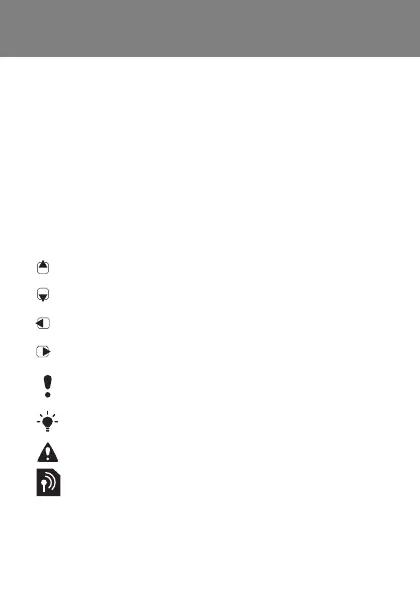
Instruction symbols
The following instruction symbols appear in this User
guide:
> Use the navigation key to scroll and select.
Press the navigation key up.
Press the navigation key down.
Press the navigation key to the left.
Press the navigation key to the right.
Note
Tip
Warning
Indicates that a service or function is network- or
subscription-dependent. All menus or functions
may not be available in your phone. Consult your
network operator for more information.
This is the Internet version of the User's guide. © Print only for private use.












 To Next Page