88 Icons
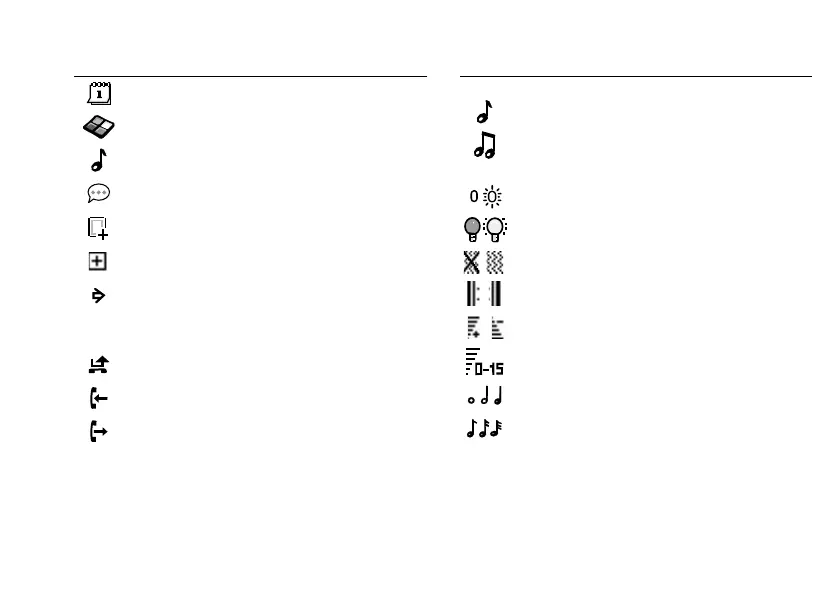
An event is attached to a multimedia message.
A theme is attached to a multimedia message.
A multimedia message contains a melody.
A multimedia message contains a
recorded sound.
Cursor in a multimedia message.
More message options.
Chat message prompt.
Calls
A missed call in the call list.
An answered call in the call list.
A dialled number in the call list.
Icon Description
Fun & Games
A standard melody saved in My sounds.
A polyphonic melody saved in My sounds.
Fun & Games/Composer
Turns the indicator light on and off.
Turns backlight on and off.
Turns vibrating alert on and off.
Starts and stops a melody loop.
Increases and decreases the volume one step.
A volume between 0 and 15 has been selected.
Whole note, half note, 1/4 note.
1/8 note, 1/16 note, 1/32 note.
Icon Description
This is the Internet version of the user’s guide. © Print only for private use.












 To Next Page