This is the Internet version of the user's guide. © Print only for private use.
Camera 55
Camera
Your mobile phone has a digital camera. You can
take pictures and send them as picture me
ssages.
To do this, you need a subscription that supports this
service. Please check with your network operator.
You can also use a picture as a screen saver or as
wallpaper. You can send a picture to a PC or save it
together with a contact in your phonebook so that the
picture appears when that person calls. See “To add a
picture to a phonebook contact” on page 28.
Taking pictures
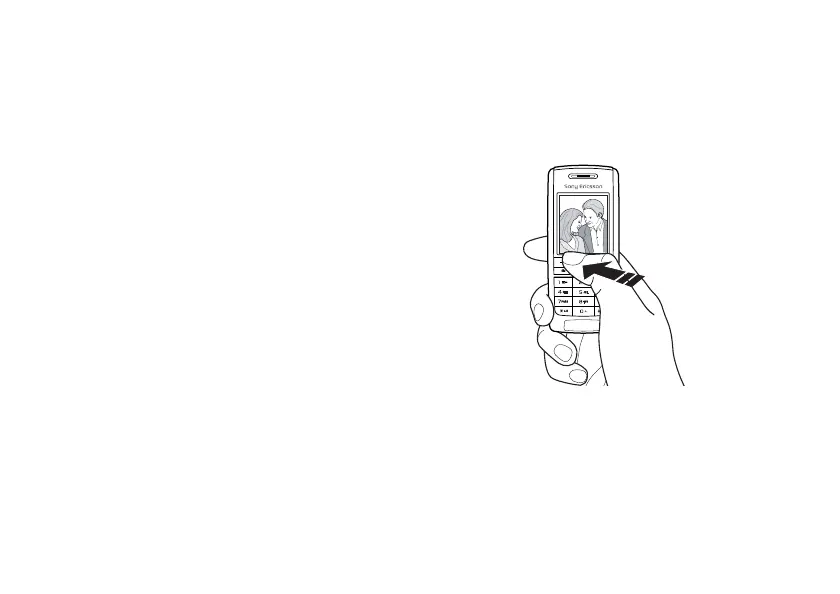
There are different ways to take a picture. You can
scroll to
Camera
and hold the phone as shown in the
illustration. You can see the subject in the phone
display. Press
Capture
to take the picture.
.





 To Next Page