This is the Internet version of the user's guide. © Print only for private use.
72 Transferring and exchanging informat
ion
Infrared port
You can use the built-in infrared port to establish
contact between your phone and a PC or another
device equipped with an infrared port.
Activate the infrared port
Before you can connect to another infrared device
you have to activate the infrared port in your phone.
• To activate the infrared port, scroll to
Connectivity
,
Infrared port
. From standby, you can also select
More
, Turn on infrared.
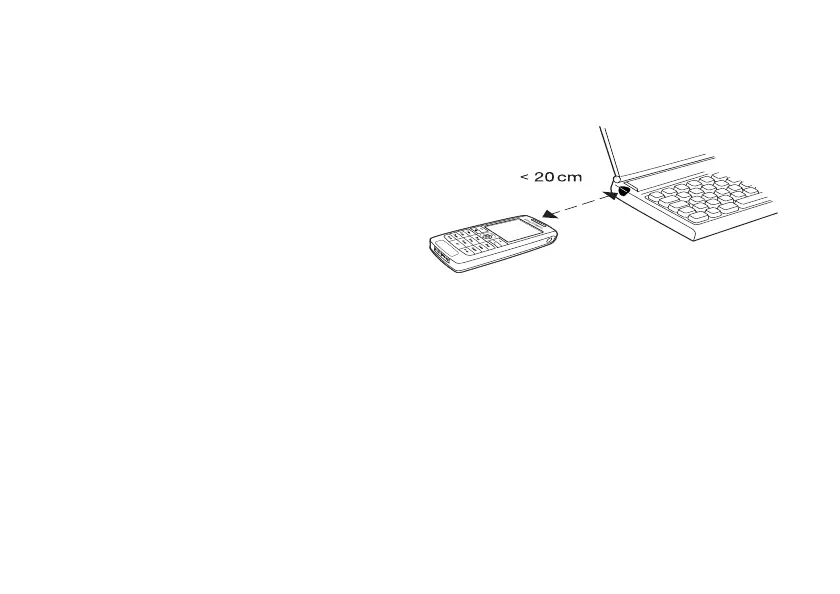
To connect two devices
1. Place your phone as in the picture. The infrared port
on the phone must face the infrared port on the other
device.
Note: If you are connecting to a PC, make sure your
PC has activated infrared communication (Start,
Settings, Control Panel, Infrared, Options tab,
Enable infrared communication).
2. Your phone now establishes contact with the other
device.












 To Next Page