Getting to know your phone
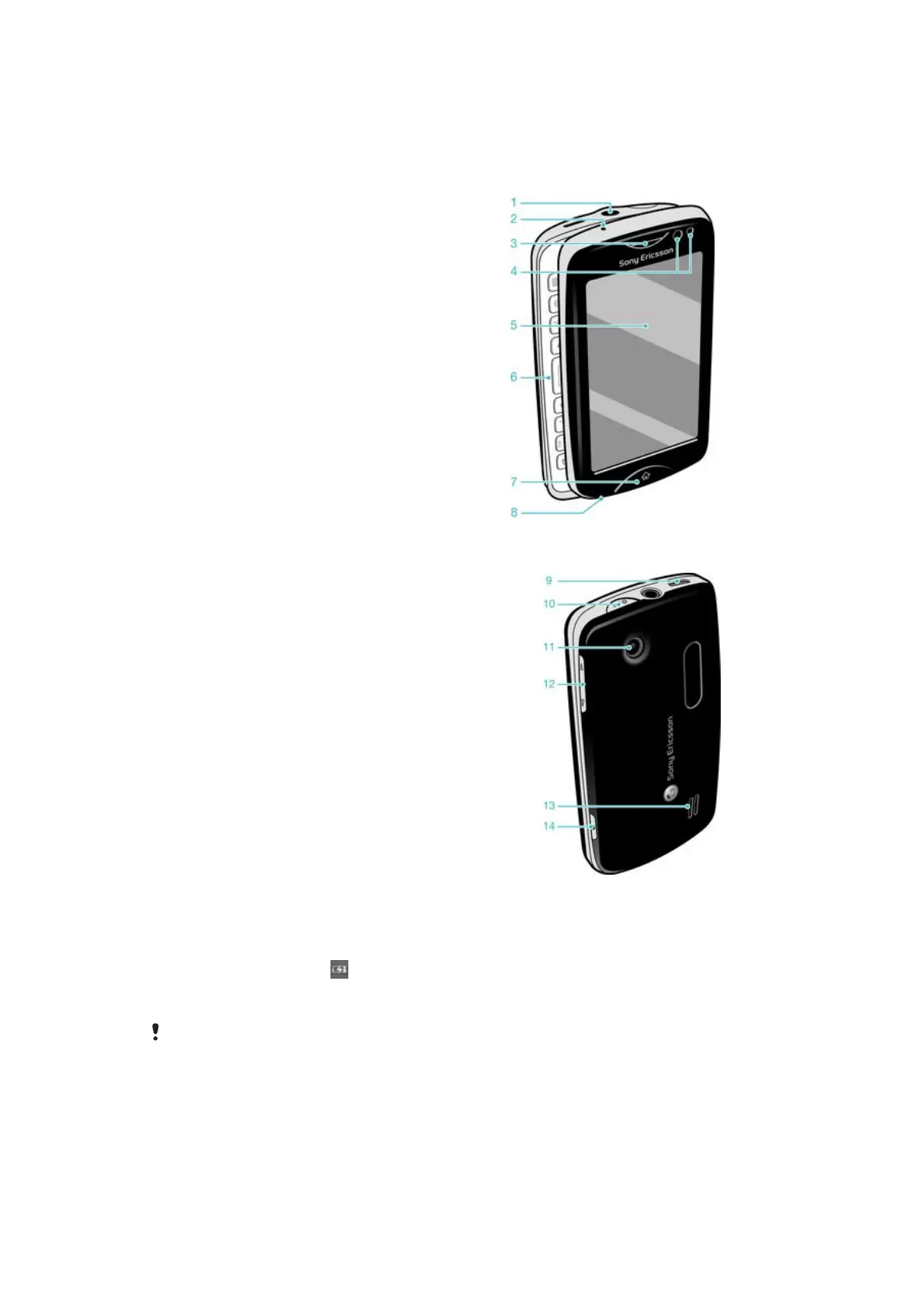
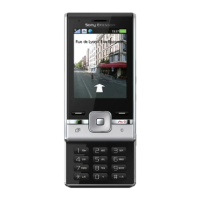
Phone overview
1 3.5 mm Audio Plus connector
2 Charging indicator
3 Ear speaker
4 Proximity sensor
5 Touch screen
6 Slideout keyboard
7 Home key
8 Microphone
9 Connector for charger/USB cable
10 Power key/Screen lock
11 Camera lens
12 Volume key
13 Speaker
14 Camera key
Charging the battery
Your phone battery is partly charged when you buy the phone. It may take a few minutes
before the battery icon appears on the screen when you connect the phone charger
cable to a power source, such as a USB port or a phone changer. You can still use your
phone while it is charging.
The battery will start to discharge a little after it is fully charged and then charges again after a
certain time. This is to extend battery life and may result in the charge status showing a level
below 100 percent.
7
This is an Internet version of this publication. © Print only for private use.





 To Next Page