To open or highlight an item
•
Tap the item.
To mark or unmark options
•
Tap the relevant checkbox or in some cases the right side of the list option, to mark
or unmark an option.
Marked checkbox
Unmarked checkbox
Marked list option
Unmarked list option
Zooming
There are two ways to zoom. The zoom options available depend on the application you
are using.
To zoom
•
When available, tap or to zoom in or out.
You may have to drag the screen (in any direction) to make the zoom icons appear.
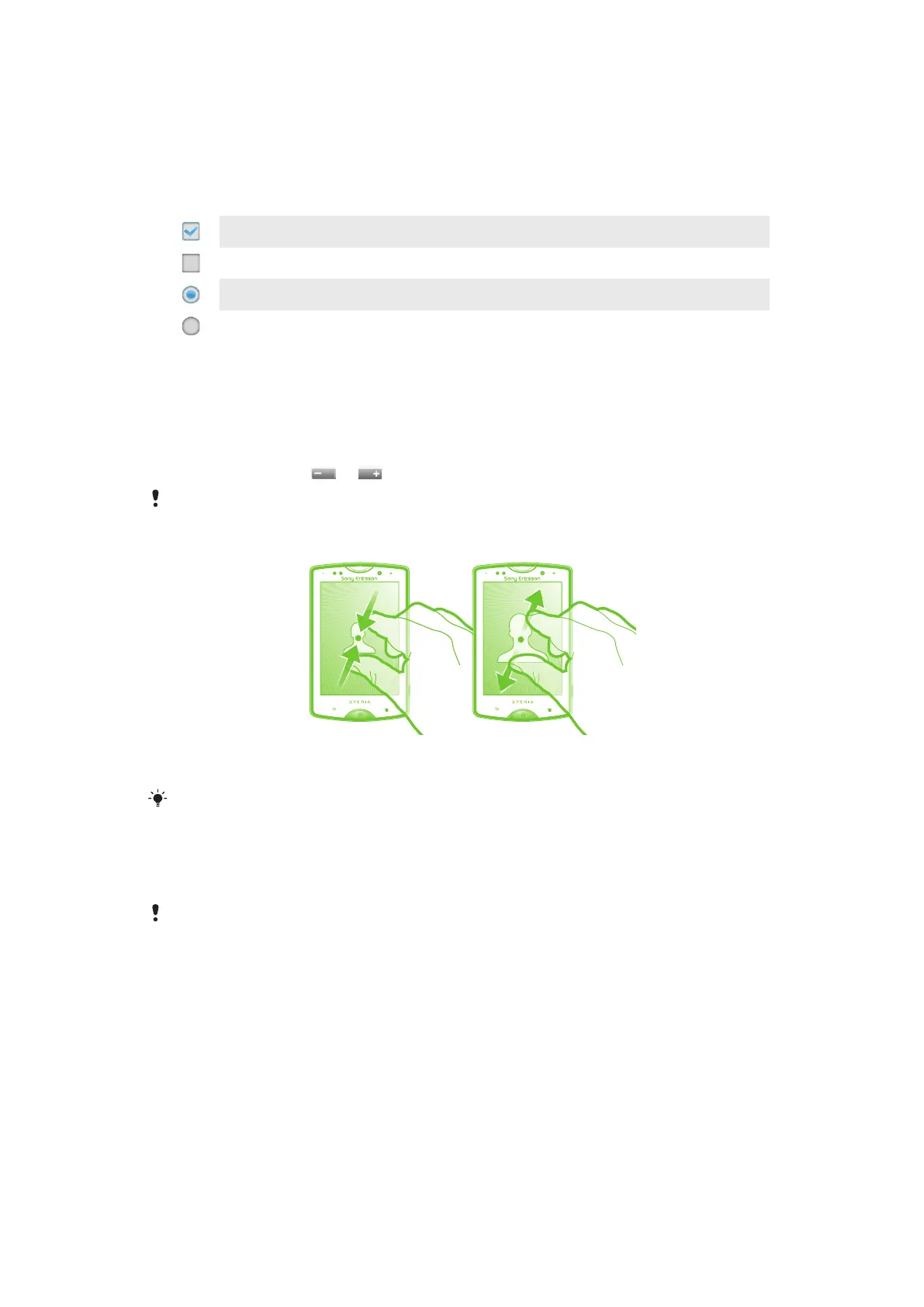
To zoom with two fingers
•
Place two fingers on the screen at once and pinch them together (to zoom out) or
spread them apart (to zoom in).
Use the zoom function when viewing photos and maps, or when browsing the Web.
Scrolling
Scroll by moving your finger up or down on the screen. On some web pages you can also
scroll to the sides.
Dragging or flicking will not activate anything on the screen.
13
This is an Internet version of this publication. © Print only for private use.










 To Next Page