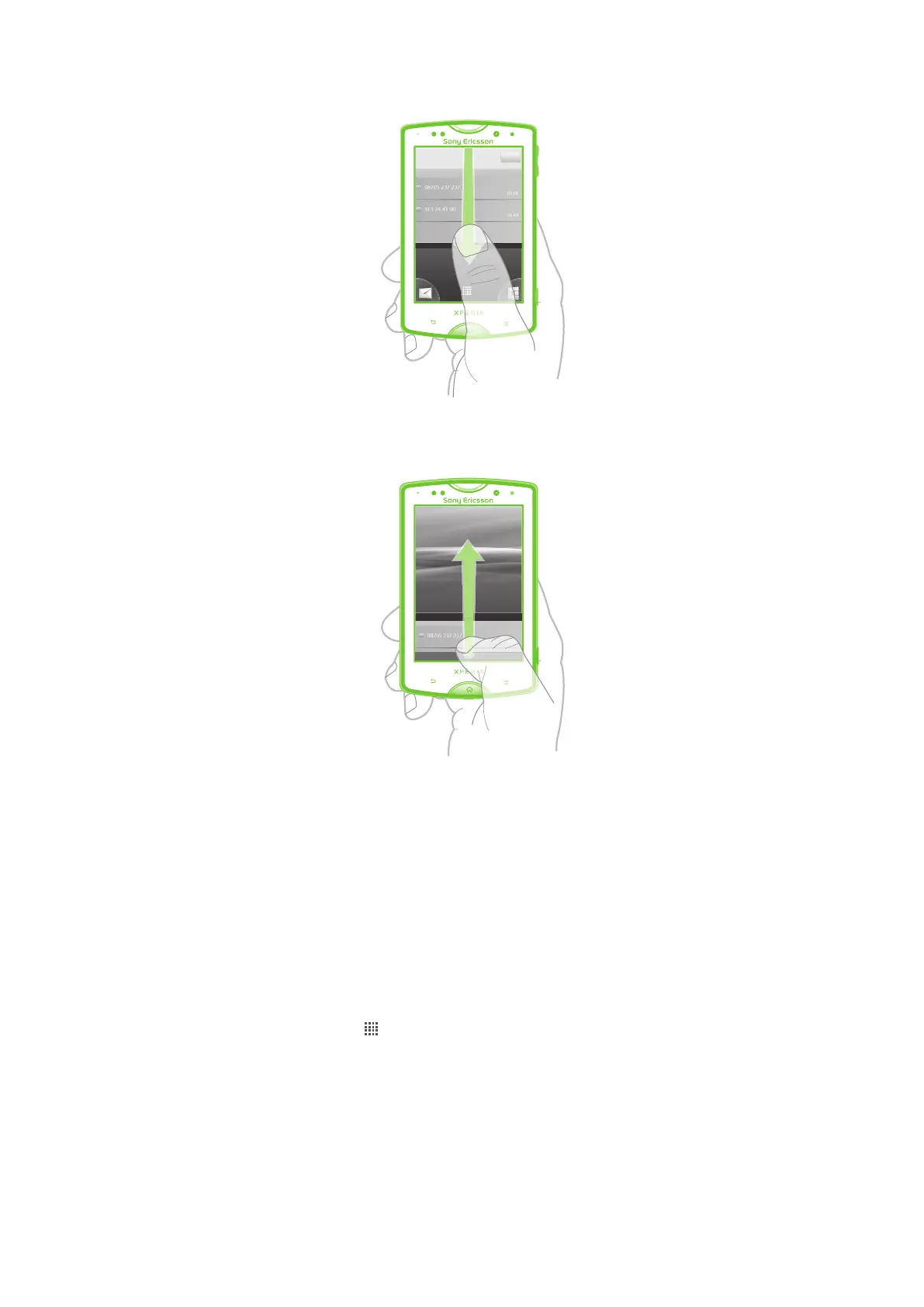
To open the Notification panel
•
Drag the status bar downwards.
To close the Notification panel
•
Drag the tab at the bottom of the Notification panel upward.
To open a running application from the Notification panel
•
From the Notification panel, tap the icon for the running application to open it.
To clear the Notification panel
•
From the Notification panel, tap Clear.
Phone settings menu
View and change your phone settings from the Settings menu.
To access the phone settings
1
From the Home screen, tap .
2
Tap Settings.
Typing text
Use one of the following methods to type text containing letters, numbers and other
characters:
•
Slide-out keyboard
•
On-screen keyboard
19
This is an Internet version of this publication. © Print only for private use.










 To Next Page