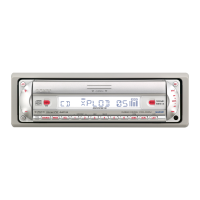
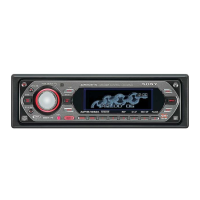
Changing the output level
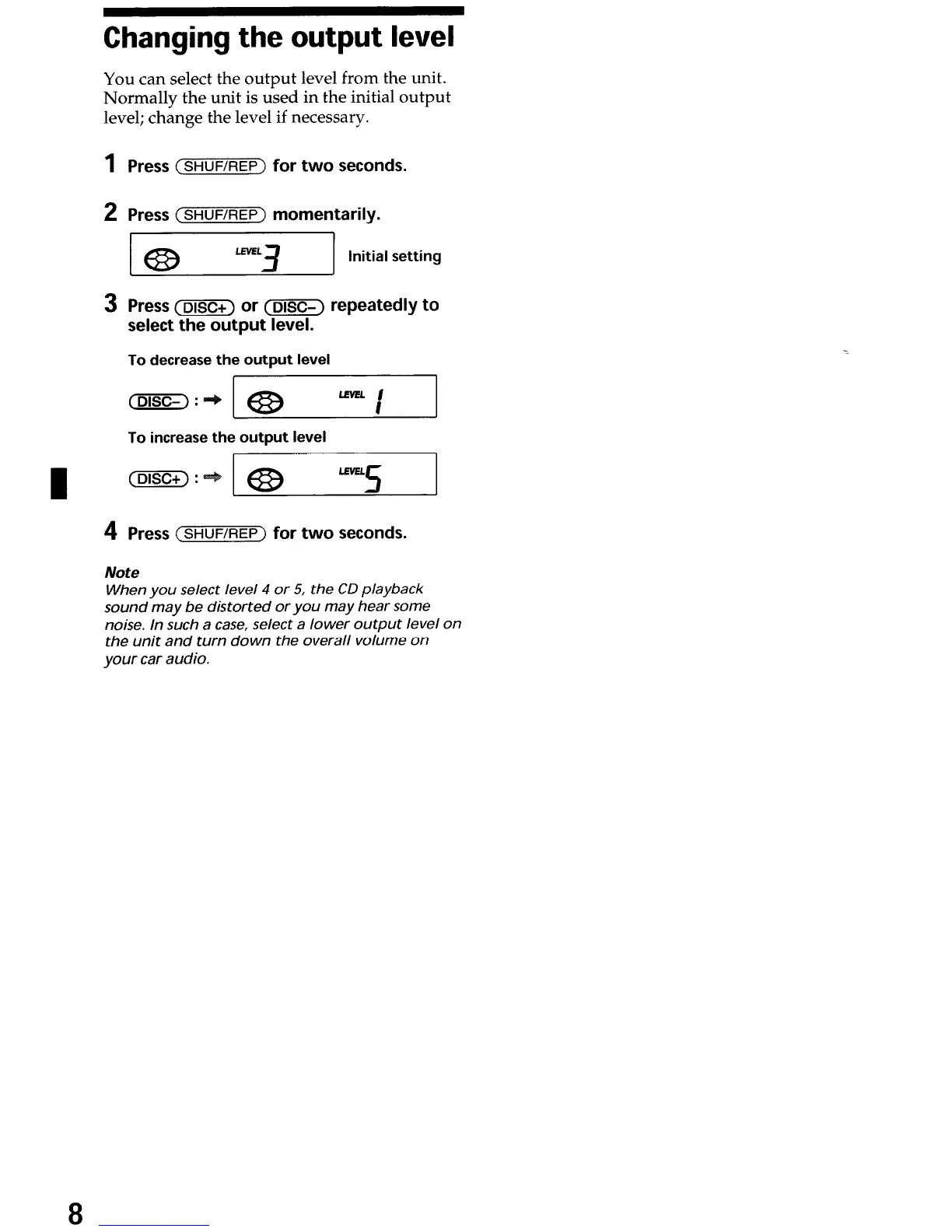
You can select the output level from the unit.
Normally the unit is used in the initial output
level; change the level if necessary.
1
2
3
4
Press
(SHUWREP~
for two seconds.
Press
(s~uFiREp)
momentarily.
Press (DISCi) or (DISC-) repeatedly to
select the output level.
To decrease the output level
(DISC-) :
To increase the output level
(DISC+) :
.e3
““5
Press
(SHUFEIEP)
for two seconds.
Note
When you select level 4 or 5, the CD playback
sound may be distorted oryou may hear some
noise. In such a case, select a lower output level on
the unit and turn down the overall volume on
your car audio.
8



 To Next Page