GB
9
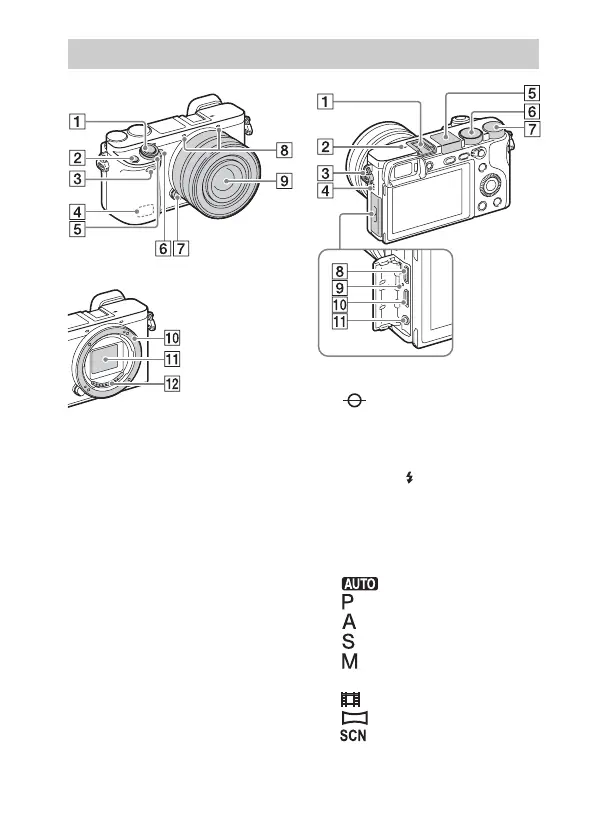
When the lens is removed
A Shutter button
B C1 (Custom 1) button
C Remote sensor
D Wi-Fi antenna (built-in)
E ON/OFF (Power) switch
F Self-timer lamp/AF illuminator
G Lens release button
H Microphone
*1
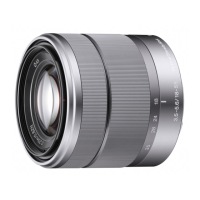
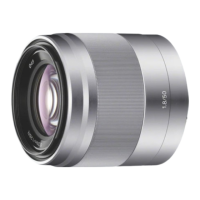
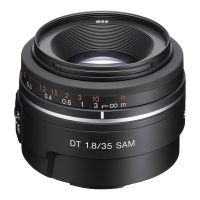
I Lens
J Mount
K Image sensor
*2
L Lens contacts
*2
*1
Do not cover this part during movie
recording.
*2
Do not touch this part directly.
A Multi interface shoe
*
B Image sensor position mark
C Hook for shoulder strap
D Speaker
E Flash
• Press the (Flash pop-up)
button to use the flash. The flash
does not pop up automatically.
• When not using the flash, press it
back into the camera body.
F Mode dial
(Auto Mode)/
(Program Auto)/
(Aperture Priority)/
(Shutter Priority)/
(Manual Exposure)/
1/2
(Memory recall)/
(Movie/HFR)/
(Sweep Panorama)/
(Scene Selection)
Identifying parts


 To Next Page