28 29
Shooting tips
Scenery
If image quality is the top priority for
a scenic photo, it's a good idea to set
the ISO sensitivity as low as possible.
But when shooting in the gentle,
dramatic-looking light of morning or
evening, the shutter speed in use may
be too slow for handheld shooting.
Or, you may want to frame the shot
steadily before precisely choosing a
point of focus. In such cases, having a
tripod and remote commander for the
camera provides greater assurance
that you can clearly capture the shot
that you want.
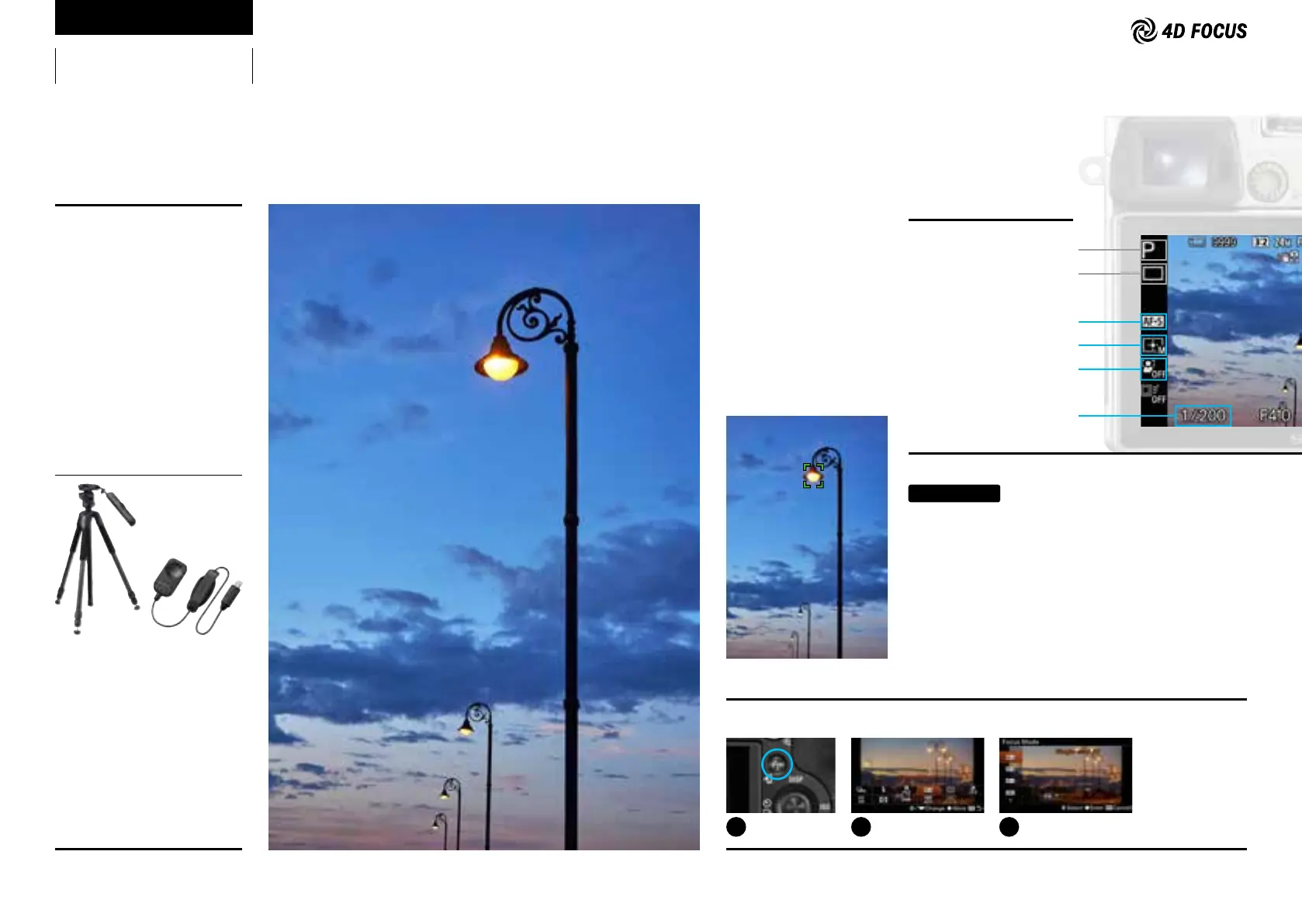
Lens: Vario-Tessar T* E 16-70mm F4 ZA OSS
Focal length (35mm equivalent): 70mm
Shutter speed: 1/200 sec.
Aperture value: F4.0
ISO sensitivity: 200
VCT-VPR10
Optional accessories
RM-SPR1
Mastering 4D FOCUS
Shooting Mode:
Program Auto
Drive Mode:
Single Shooting
Focus Mode:
AF-S
Focus Area:
Flexible Spot
Face Detection:
Off
Shutter Speed:
1/x sec. or faster
(whereby x = lens focal length in mm)
Recommended settings
Setting tips
Select AF-S for Focus Mode when shooting a stationary
subject. When autofocus focuses against your will on the
background such as the sky, select Flexible Spot, which
enables accurate focusing on a specific point that you
choose. For handheld shooting, it is convenient to know
the rough shutter speeds (1/x sec. or faster, whereby x =
lens focal length in mm) that deliver photos without blur
from camera shake. It means the shutter speed is 1/50 sec.
or faster when using a 50mm lens.
1
Press the Fn button.
2
Choose Focus Mode in
the menu.
3
Choose AF-S.
Capturing familiar scenery dramatically
at sunset
How to select AF-S



 To Next Page