14 15
Shooting tips
Once you master autofocus, try
to be meticulous with choice of
background. For example, a simple,
slightly dark background brings out
the subject and enhances the artistic
mood of the resulting photo.
People
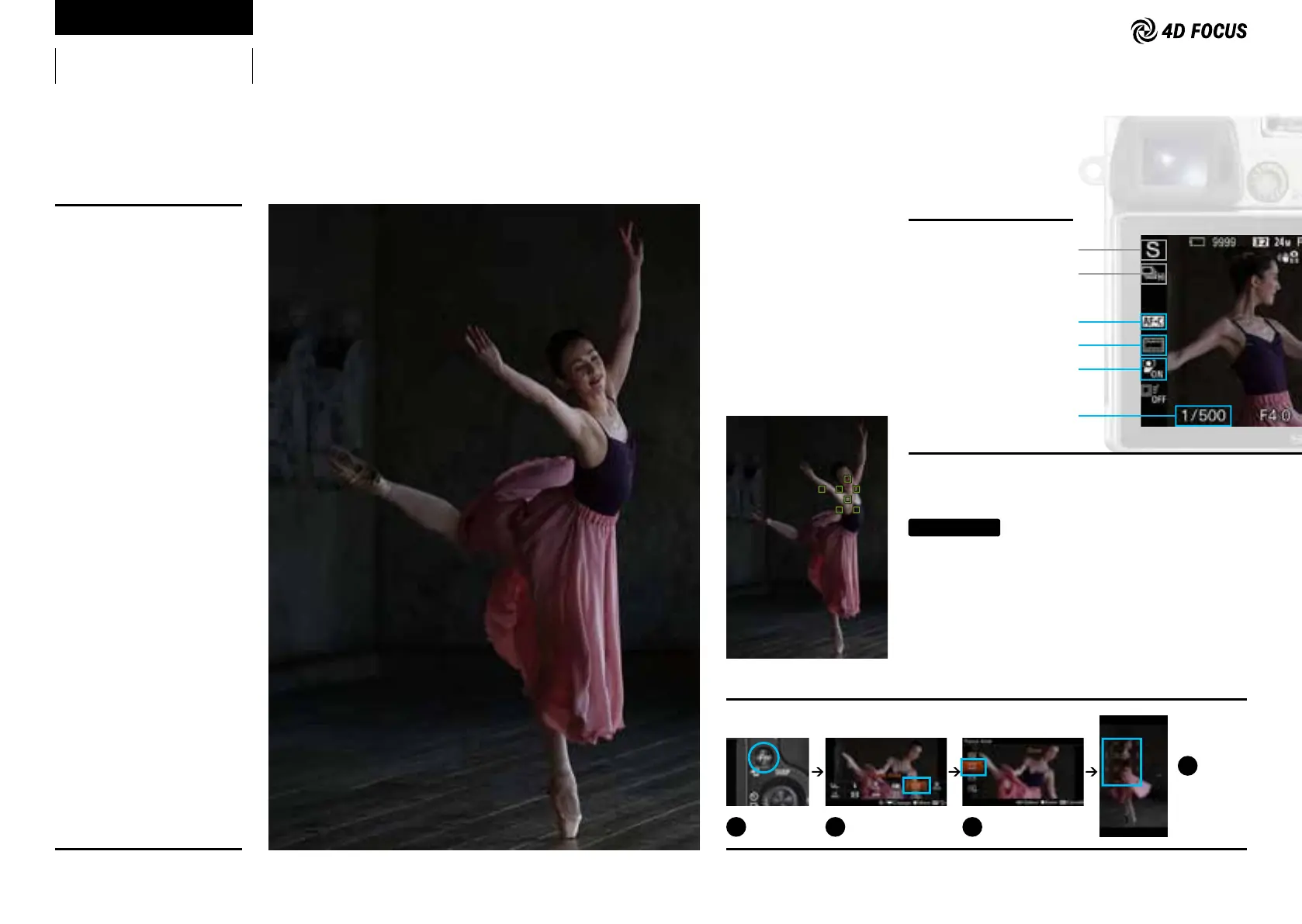
Capturing a moment from a dance scene
Lens: FE 70-200mm F4 G OSS
Focal length (35mm equivalent):
282mm
Shutter speed: 1/500 sec.
Aperture value: F4.0
ISO sensitivity: 800
Mastering 4D FOCUS
Shooting Mode:
Shutter Priority
Drive Mode:
Continuous Shooting
Focus Mode:
AF-C
Focus Area:
Zone
Face Detection:
On
Shutter Speed:
1/500 to 1/1000 sec.
Recommended settings
Setting tips
To clearly capture facial expressions of a dancer, set-
ting Face Detection to On is recommended. When using
vertically oriented framing, a dancer’s face is likely to be
positioned in the upper area of the frame, so select upper
zone in the Zone setting (a Focus Area selection). A shut-
ter speed of 1/500 sec. was used in the photo example to
capture a moment of movement of the dress.
4
1
How to select Zone
Press the Fn
button.
2
Choose Focus Area in
the menu.
3
Choose Zone.
Move the AF
range frames
to the area that
you want to
focus on.



 To Next Page