Adjust the camera parameters
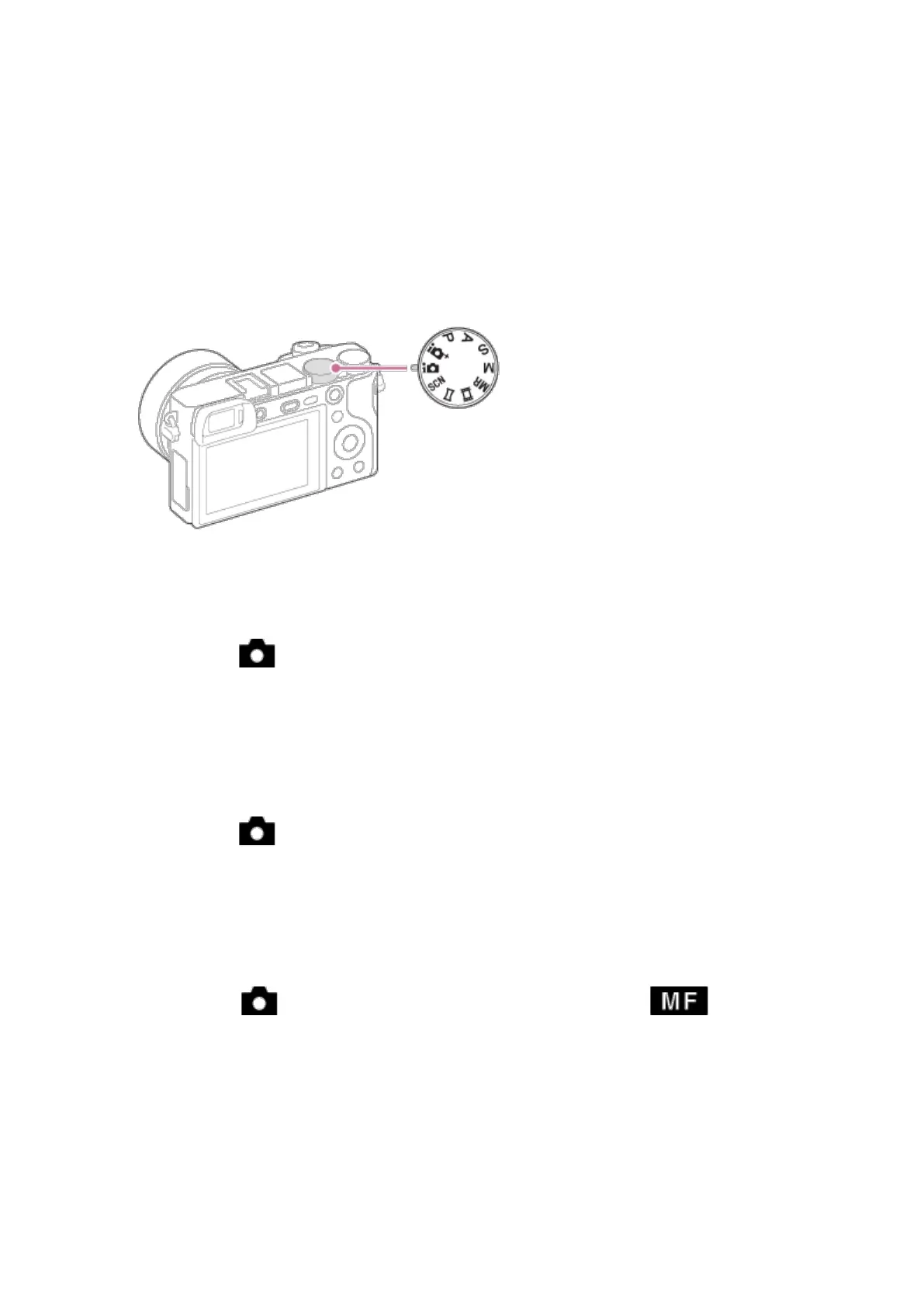
Set the shooting mode to M (Manual mode).
➢ Exposure time 20-30 sec
MENU → (Camera Settings) → [Exposure step] → exposure time.
➢ ISO 800-1600
(Sensitivity to light is expressed by the ISO number, the larger the
number, the higher the sensitivity.)
MENU → (Camera Settings) → [ISO] → desired setting.
➢ Manual Focus Mode
(Selects the focus method to suit the movement of the subject.)
MENU → (Camera Settings) → [Focus Mode] → .
➢ Image Format
Save in RAW format



 To Next Page