SETTING THE CAMERA
➢ Attach the filter on the lens by gently rotating the filter ring after
removing the lens cover
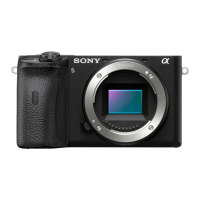
➢ Insert the battery in to the camera
➢ Mount the camera on the tripod/ quadpod
➢ Turn on the IR light and point it on the PV module
➢ Adjust the focus by rotating the focal ring in the lens
➢ Set the camera parameters like exposure time and the ISO
value
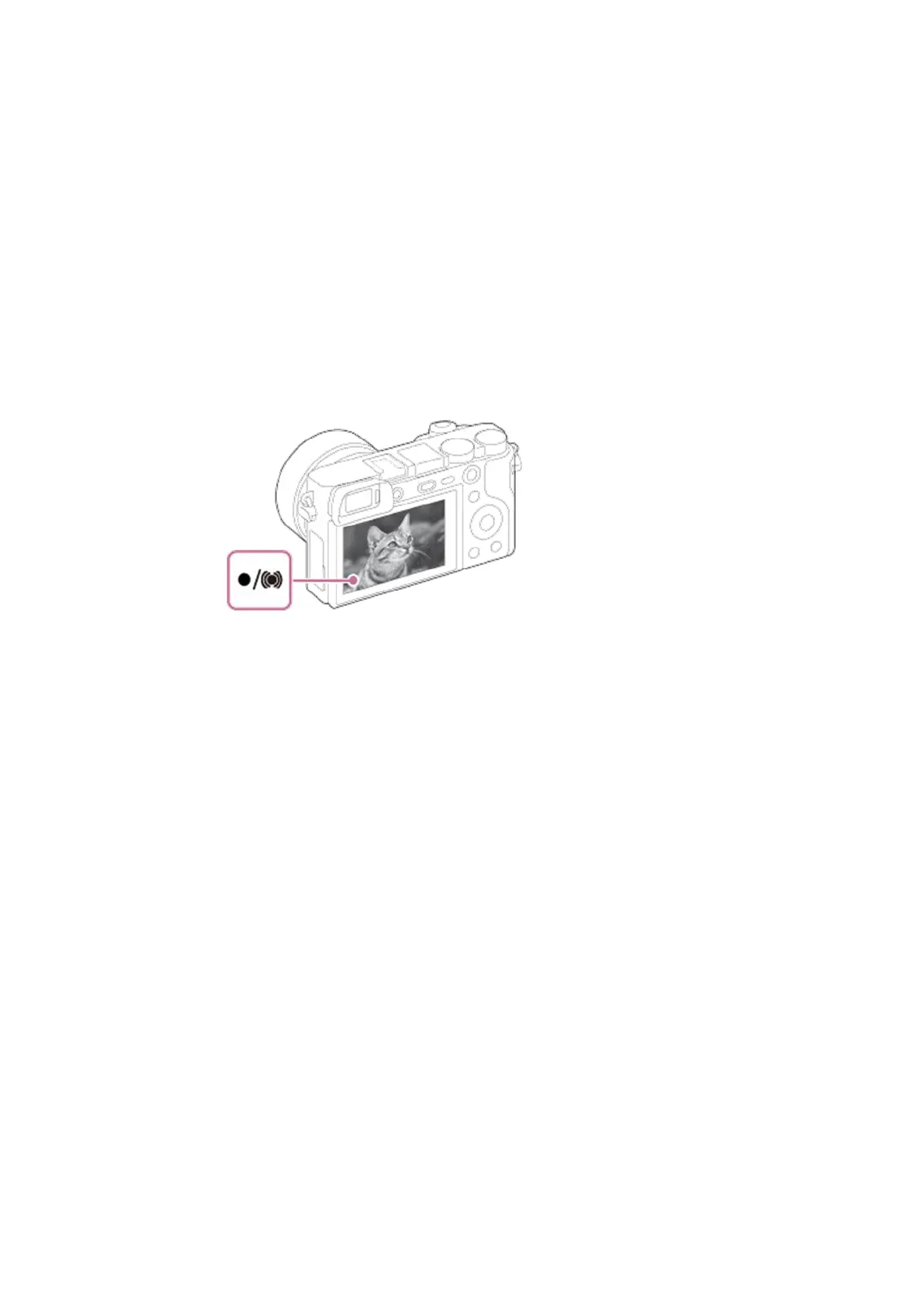
➢ Connect the camera to the smartphone through the
playmemmories app if required
➢ Turn of the IR light after getting a focused image view in the
camera display/smartphone screen.
➢ Connect the constant current power supply to the module
➢ Set the current in the power supply (max 1.2 times the Isc)
➢ Capture the image by using the smartphone application or the
camera trigger button.



 To Next Page