20
Settings and
Adjustments
Using the Settings
Displays
Select (Setup) on the home menu when
you need to change the settings of the player.
The default settings are underlined.
1 Select (Setup) on the home menu
using </,.
2 Select the setup category icon using
M/m, and press ENTER.
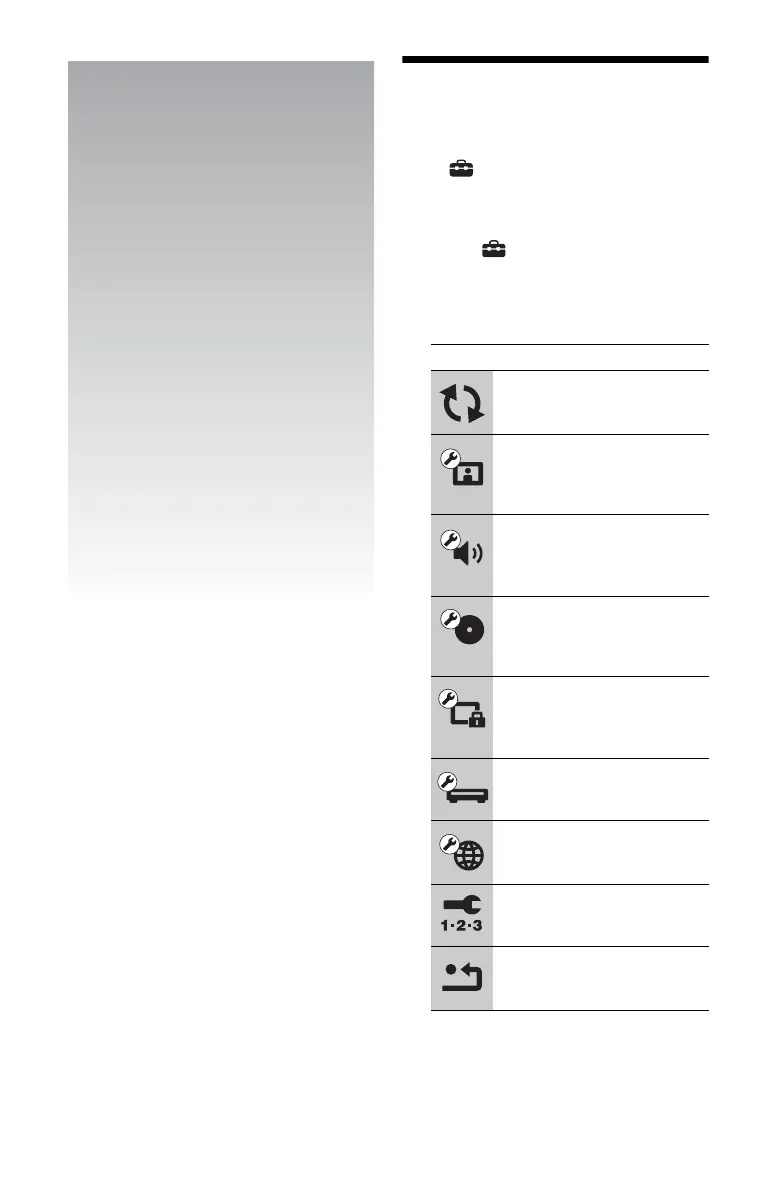
Icon Explanation
Network Update (page 21)
Updates the software of the
player.
Screen Settings (page 21)
Makes the video settings
according to the type of
connecting jacks.
Audio Settings (page 23)
Makes the audio settings
according to the type of
connecting jacks.
BD/DVD Viewing Settings
(page 24)
Makes detailed settings for BD/
DVD playback.
Parental Control Settings
(page 24)
Makes detailed settings for the
Parental Control function.
System Settings (page 25)
Makes the player-related
settings.
Network Settings (page 26)
Makes detailed settings for the
Internet and network.
Easy Setup (page 26)
Re-runs the Easy Setup to make
the basic settings.
Resetting (page 26)
Resets the player to the factory
settings.


 To Next Page