53
Changing the Initial Settings
Resetting the Player
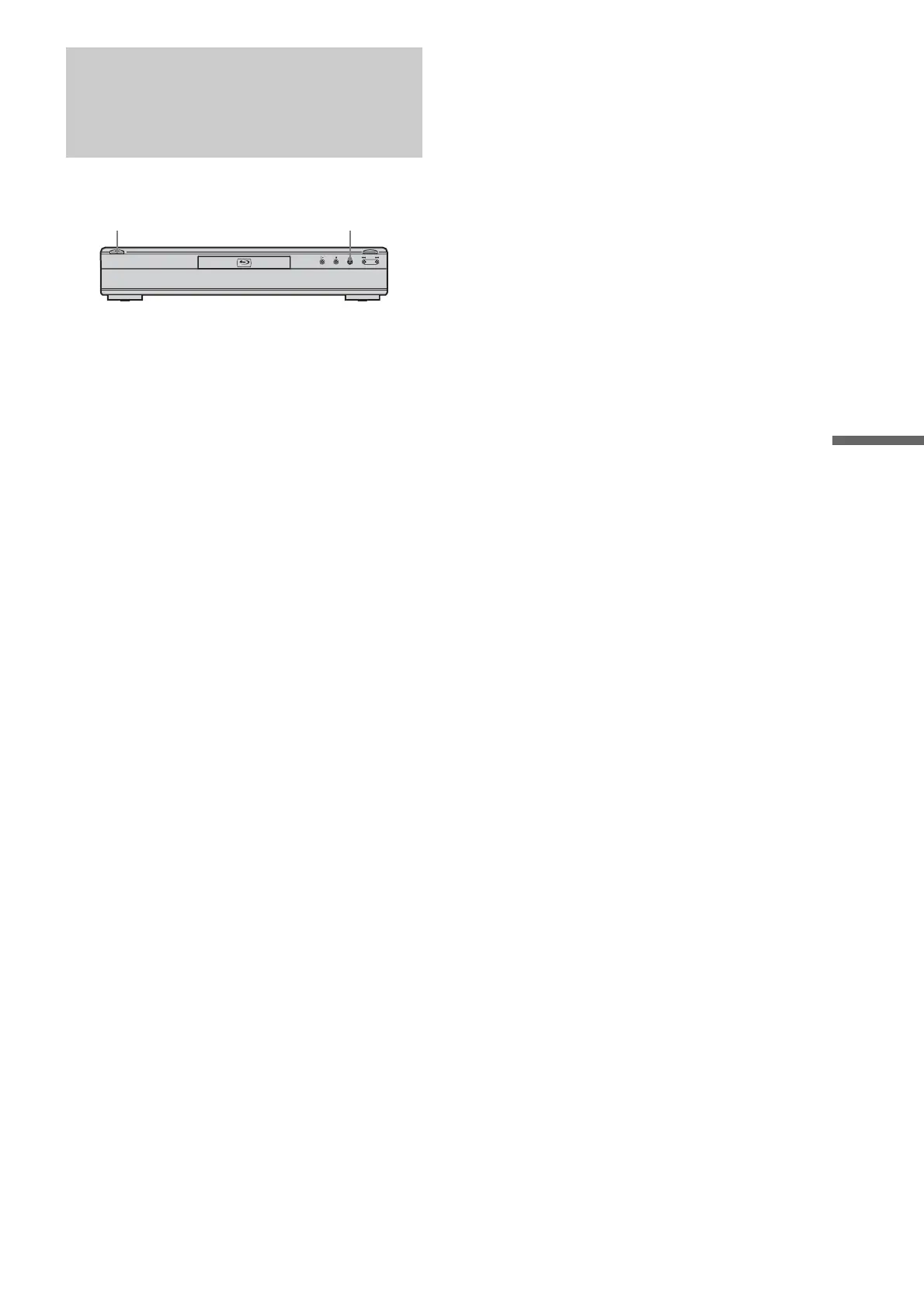
You can return all of the player settings to their factory defaults.
a When the power is on, hold down x on the
front panel, and press @/1.
The player turns off, and all of the settings return to
their factory defaults.
x@/1
HDMI HD FL OFF



 To Next Page