Sony BDV-E6100/E4100/E3100/E2100 [GB] 4-446-740-11 (1)
11
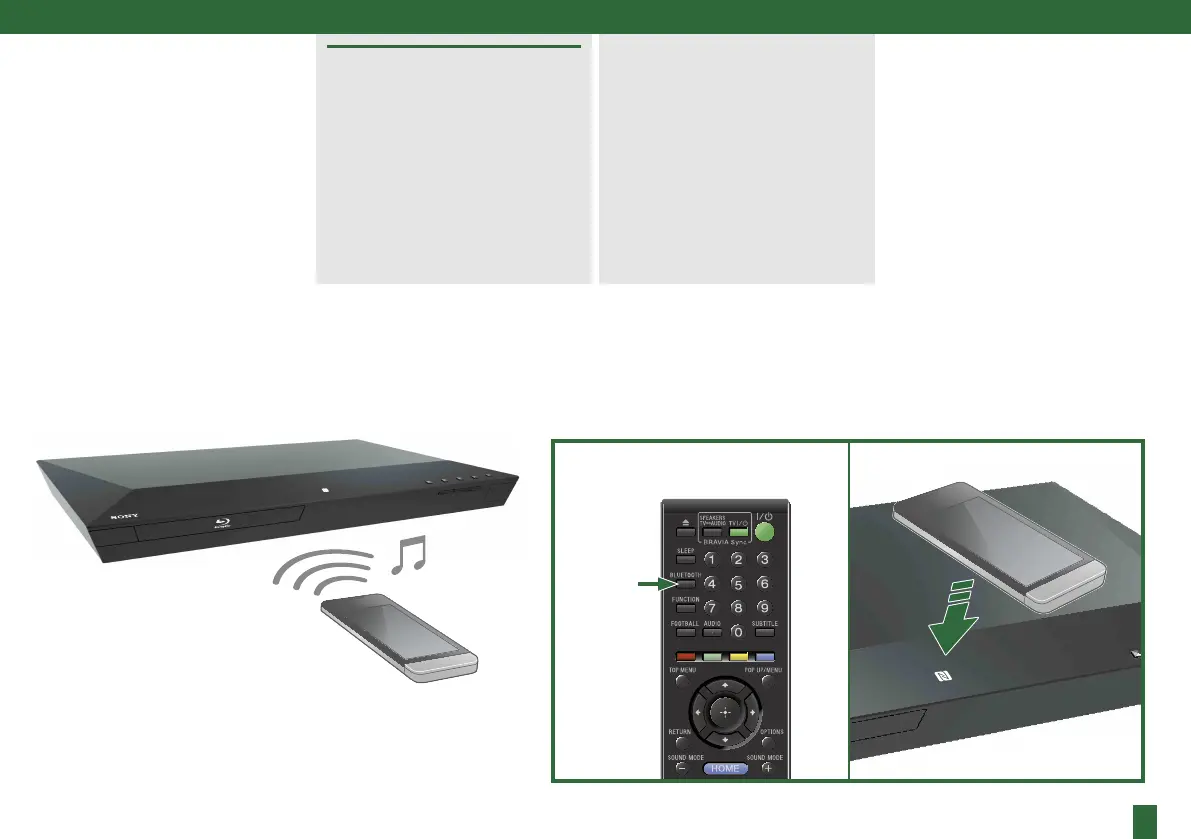
You can enjoy music on your
smartphone, etc., via
Bluetooth
communication from your
system.
You can pair/connect your
Bluetooth
device by either:
BLUETOOTH
pressing the BLUETOOTH
button, or
using the NFC function (for
NFC compatible devices only).
Download the application and
simply hold your device near to
the N mark on the main unit. For
further details, visit:
http://support.sony-europe.com/



 To Next Page