Sony BDV-E6100/E4100/E3100/E2100 [GB] 4-446-740-11 (1)
08
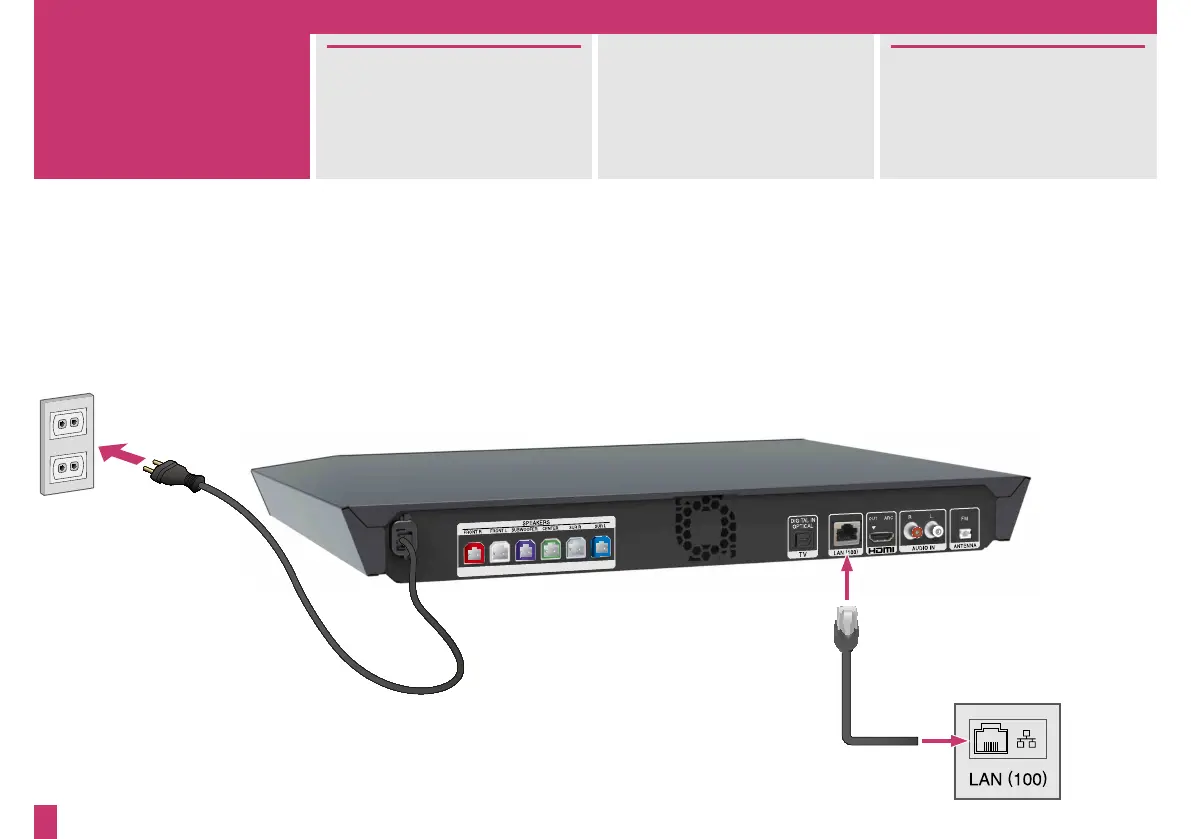
You can connect to the Internet
and home network via a wireless
LAN or LAN cable (not
supplied).
Network settings can be found in
the home menu (page 12).
For further details, visit:
http://support.sony-europe.com/
Connect the AC power cord
(mains lead) to a wall outlet
(mains).
To a broadband router
3



 To Next Page