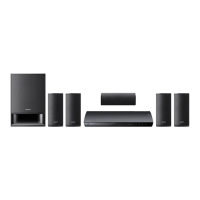
Sony BDV-E6100/E4100/E3100/E2100 [GB] 4-446-740-11 (1)
09
///,
/
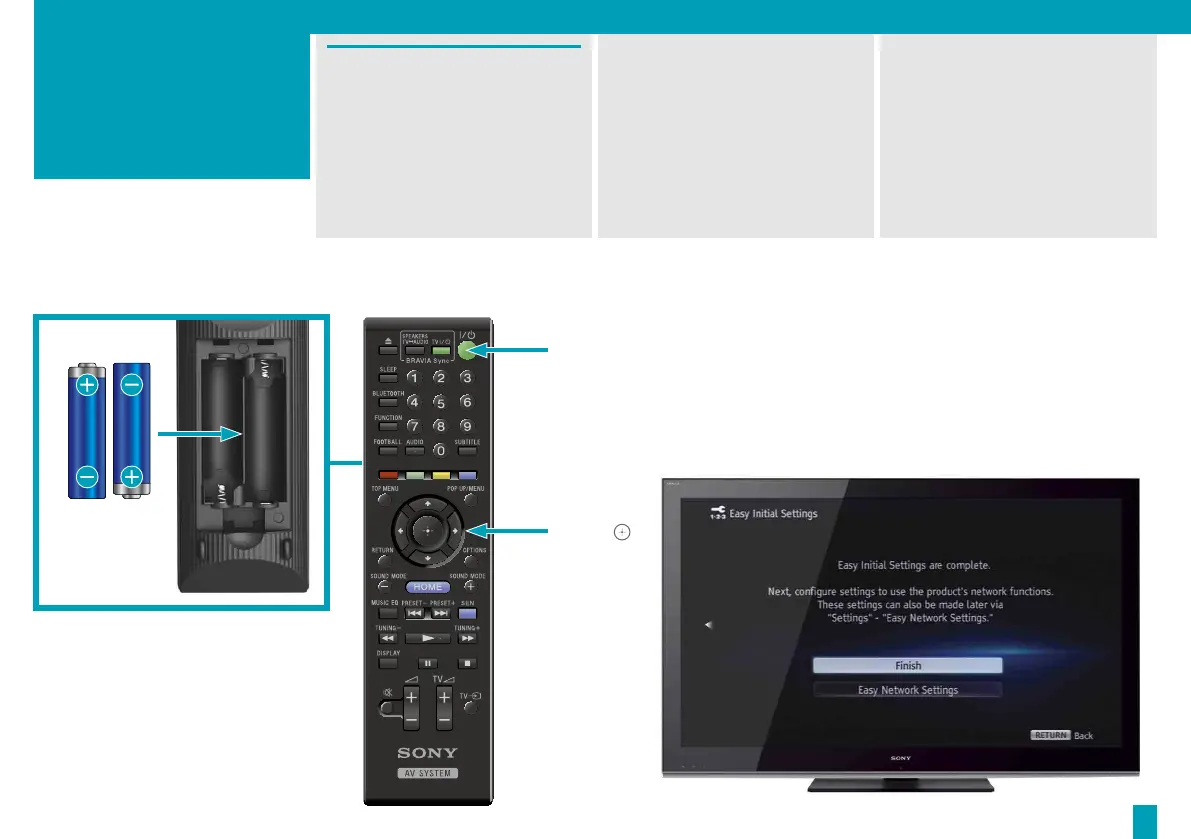
Press / to turn the system on.
“SETUP” appears in the front
panel display.
To ready the system for use,
go through the on-screen Easy
Initial Settings using the supplied
remote. This should only take a
few minutes.
If the setup screen is not
displayed, select the correct AV
input in your TV.
Once [Easy Initial Settings are
complete.] appears on the
screen, select [Finish] and the
system is ready to use.
4



 To Next Page