17
US
BDV-E6100/BDV-E4100/BDV-E3100/BDV-E2100
4-446-733-11(1)
D:\NORM'S JOB\SONY HA\SO120029\BDV-
E6100_4100_3100_E2100\4446733111_US (U2)\040GET.fm
masterpage: Right
Getting Started
J BLUETOOTH
Selects the “BT” function.
When the blue LED indicator lights off
during “BT” function, press to start
pairing or connect to paired Bluetooth
device.
FUNCTION (page 24)
Selects the playback source.
K SLEEP (page 42)
Sets the sleep timer.
Step 1: Installing the
Speakers
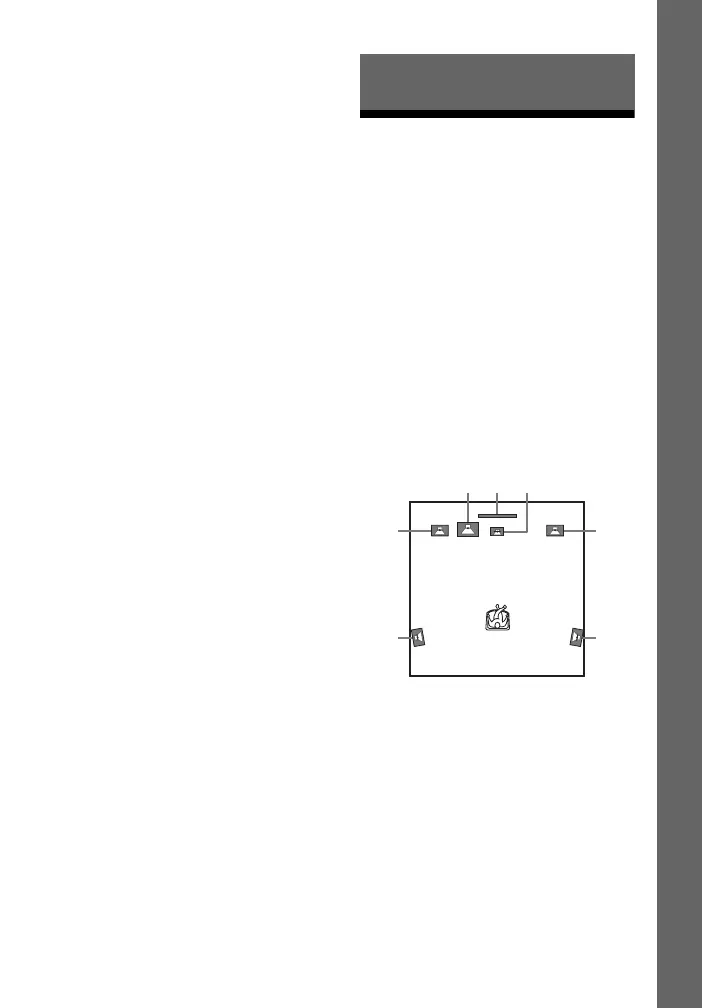
Install the speakers by referring to the
illustration below.
A Front left speaker (L)
B Front right speaker (R)
C Center speaker
D Surround left speaker (L)
E Surround right speaker (R)
F Subwoofer
G TV
Installing the surround
speakers in rear position
(Speaker layout: [Standard])
Getting Started
A
D
B
E
FG
C



 To Next Page