20
US
Getting Started
Step 2: Connecting the System
For connecting the system, read the information on the following pages.
Do not connect the AC power cord (mains lead) of the unit to a wall outlet (mains) until all the other
connections are made.
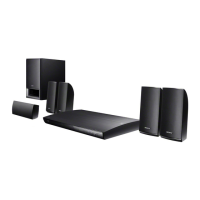
To assemble the speakers, refer to the supplied “Speaker Installation Guide.” (BDV-E880/BDV-E980
only)
• When you connect another component with a volume control, turn down the volume of the other components to a
level where sound is not distorted.
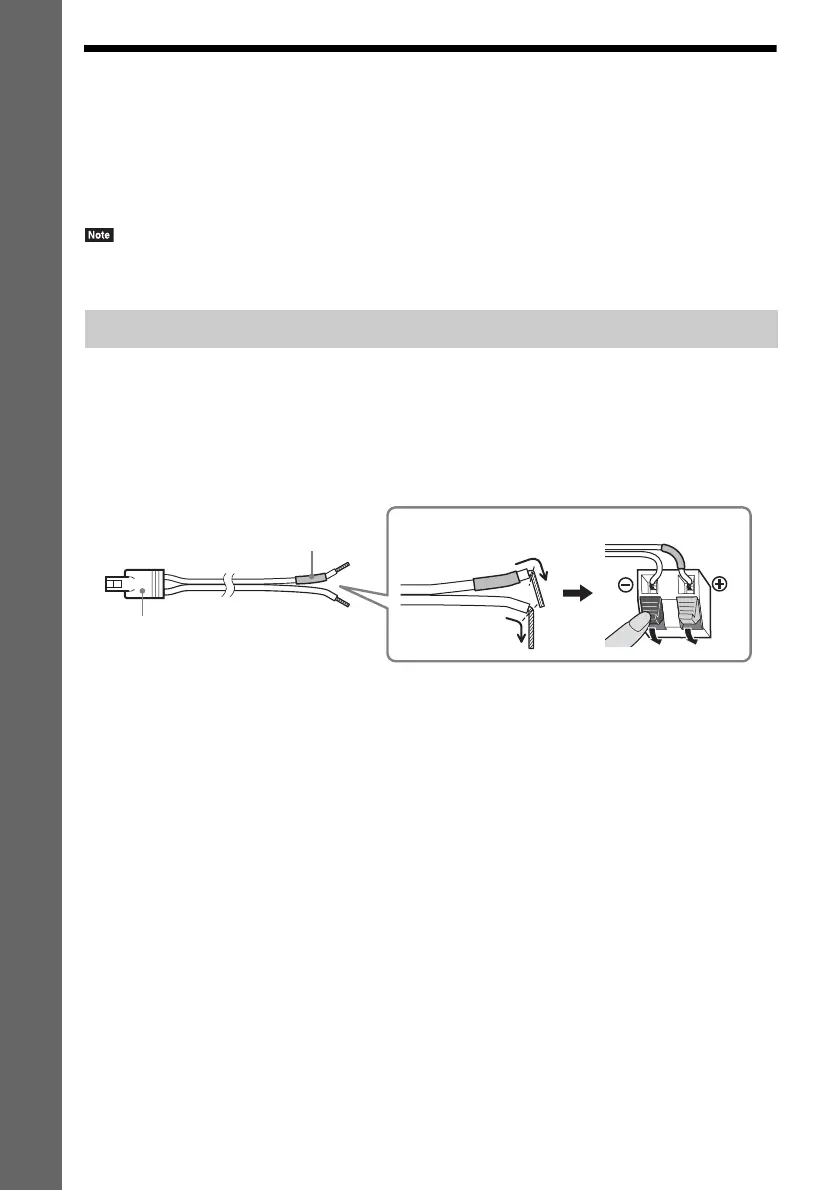
To connect speaker cords to the speaker
You need to connect a speaker cord to each of the front, center, and surround speakers.
The connector of the speaker cords and the color tube are color-coded based on the speaker type.
Be sure to match the speaker cords to the appropriate terminals on the speakers: the speaker cord with
the color tube to 3, and the speaker cord without the color tube to #. Do not catch the speaker cord
insulation (rubber covering) in the speaker terminals.
Connecting the speakers
Color tube
(–)
(+)
Connector
Rear or bottom of the speaker



 To Next Page