Settings and Adjustments
45
GB
Using the Setup Display
You can make various adjustments of items such
as picture and sound.
Select (Setup) on the home menu when you
need to change the settings of the system.
The default settings are underlined.
• Playback settings stored in the disc take priority over
the Setup Display settings and not all the functions
described may work.
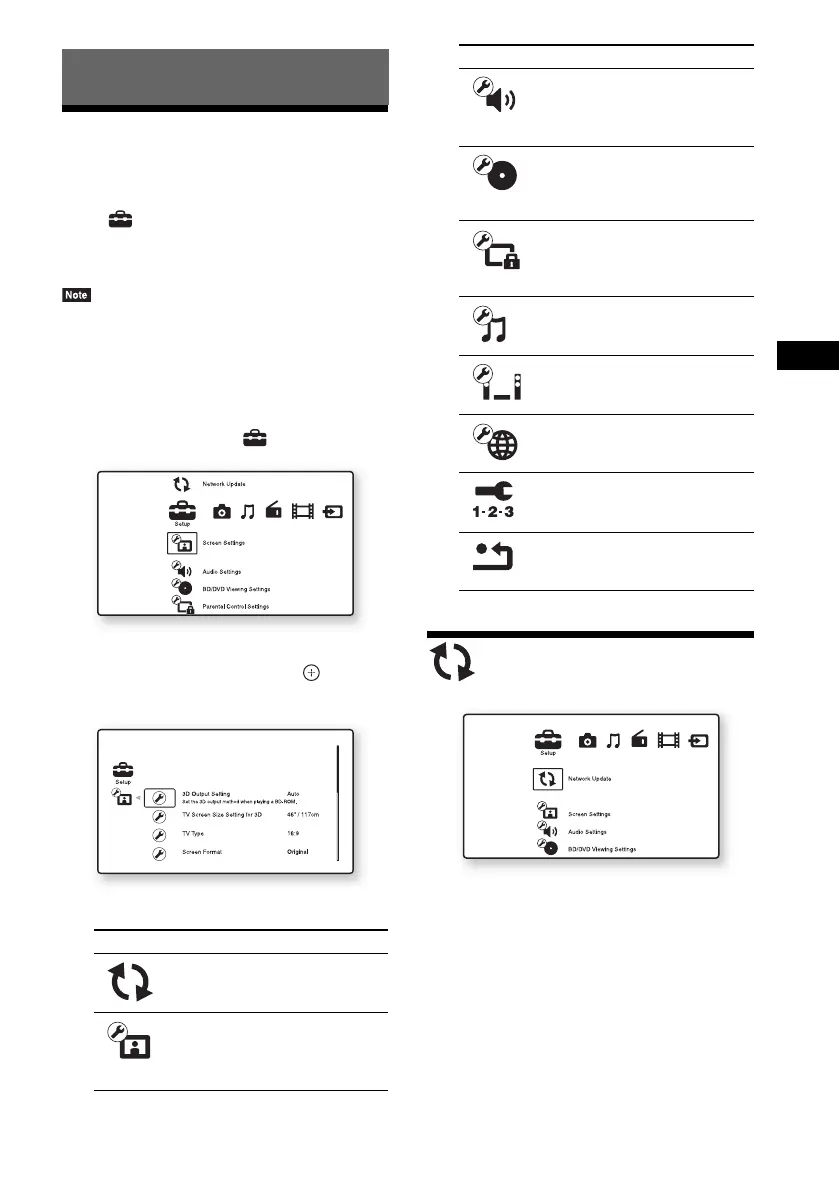
1 Press HOME.
The home menu appears on the TV screen.
2 Press C/c to select [Setup].
3 Press X/x to select the setup category
icon to change, then press .
Example: [Screen Settings]
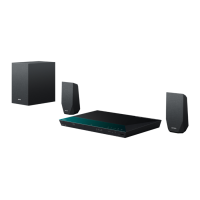
You can setup the following options.
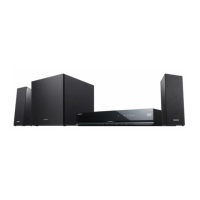
[Network Update]
You can update and improve the functions of the
system.
For information about update functions, refer to
the following website:
For customers in Europe:
http://support.sony-europe.com
For customers in Taiwan:
http://www.sony-asia.com/support/tw
Settings and Adjustments
Icon Explanation
[Network Update] (page 45)
Updates the software of the
system.
[Screen Settings] (page 46)
Makes the screen settings
according to the type of
connecting jacks.
[Audio Settings] (page 47)
Makes the audio settings
according to the type of
connecting jacks.
[BD/DVD Viewing Settings]
(page 48)
Makes detailed settings for BD/
DVD playback.
[Parental Control Settings]
(page 48)
Makes detailed settings for the
Parental Control function.
[Music Settings] (page 49)
Makes detailed settings for
Super Audio CD playback.
[System Settings] (page 49)
Makes the system-related
settings.
[Network Settings] (page 50)
Makes detailed settings for
Internet and network.
[Easy Setup] (page 50)
Re-runs the Easy Setup to make
the basic settings.
[Resetting] (page 50)
Resets the system to the factory
settings.
Icon Explanation


 To Next Page