52
GB
Getting Started
Step 3: Connecting the System
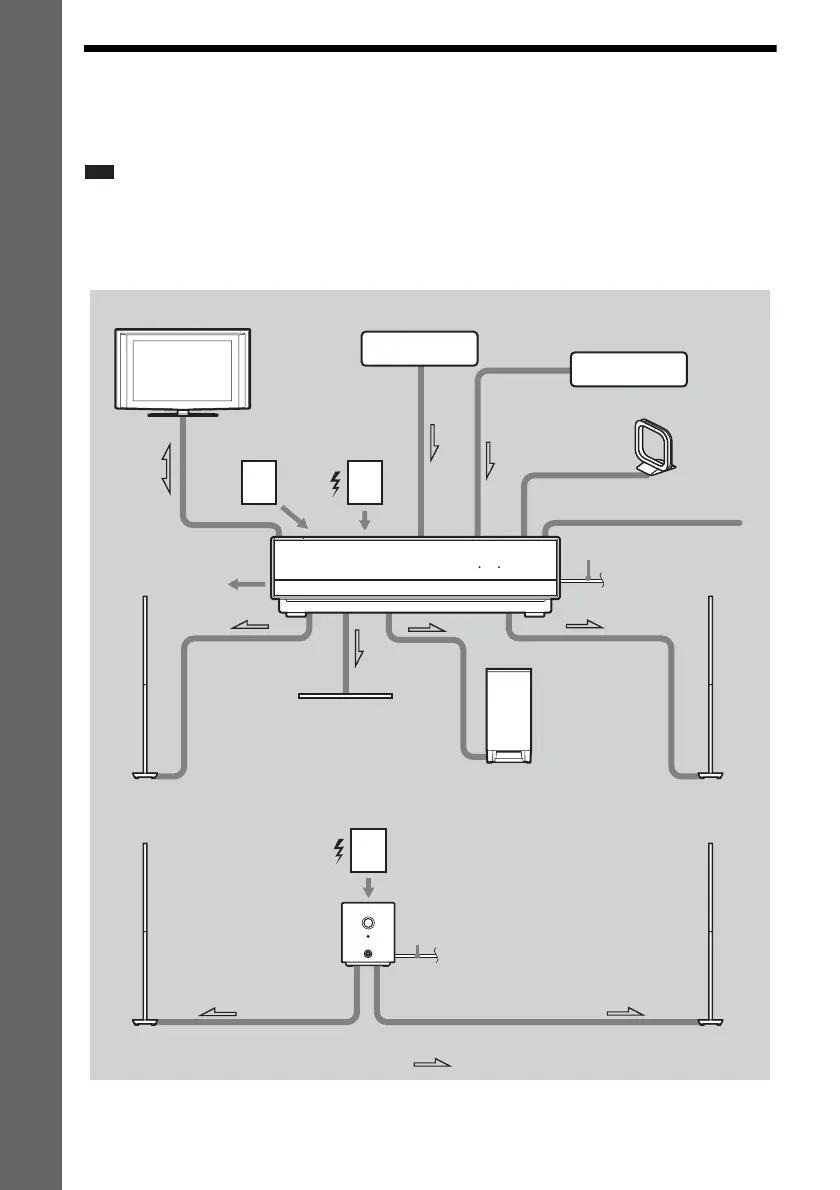
See the connection diagram below, and read the additional information from 1 to 8 on the following
pages.
Note
• Be sure to make connections securely to avoid hum and noise.
• When you connect another component with a volume control, turn up the volume of the other components to a level
where sound is not distorted.
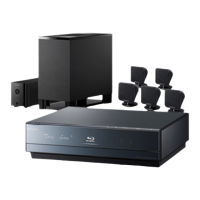
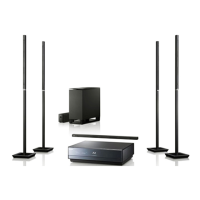
BDV-IT1000
HDMI S-AIR
4 AM loop antenna (aerial)
1 Subwoofer
8 AC power cord (mains lead)
4 FM wire antenna (aerial)
2 TV
1 Front left speaker (L)
1 Center speaker
1 Front right speaker (R)
1 Surround left speaker (L)
1 Surround right speaker (R)
:Signal flow
3 DIGITAL MEDIA
PORT adapter
5 Wireless
transceiver
8 AC power cord
(mains lead)
Surround amplifier
5 Wireless
transceiver
7 Network
6 External
memory
3 Set-top box/digital satellite
receiver, VCR, or PlayStation,
etc.


 To Next Page