Playback
81
GB
1 Press OPTIONS during playback.
The options menu appears.
2 Press X/x to select [Video Settings],
then press .
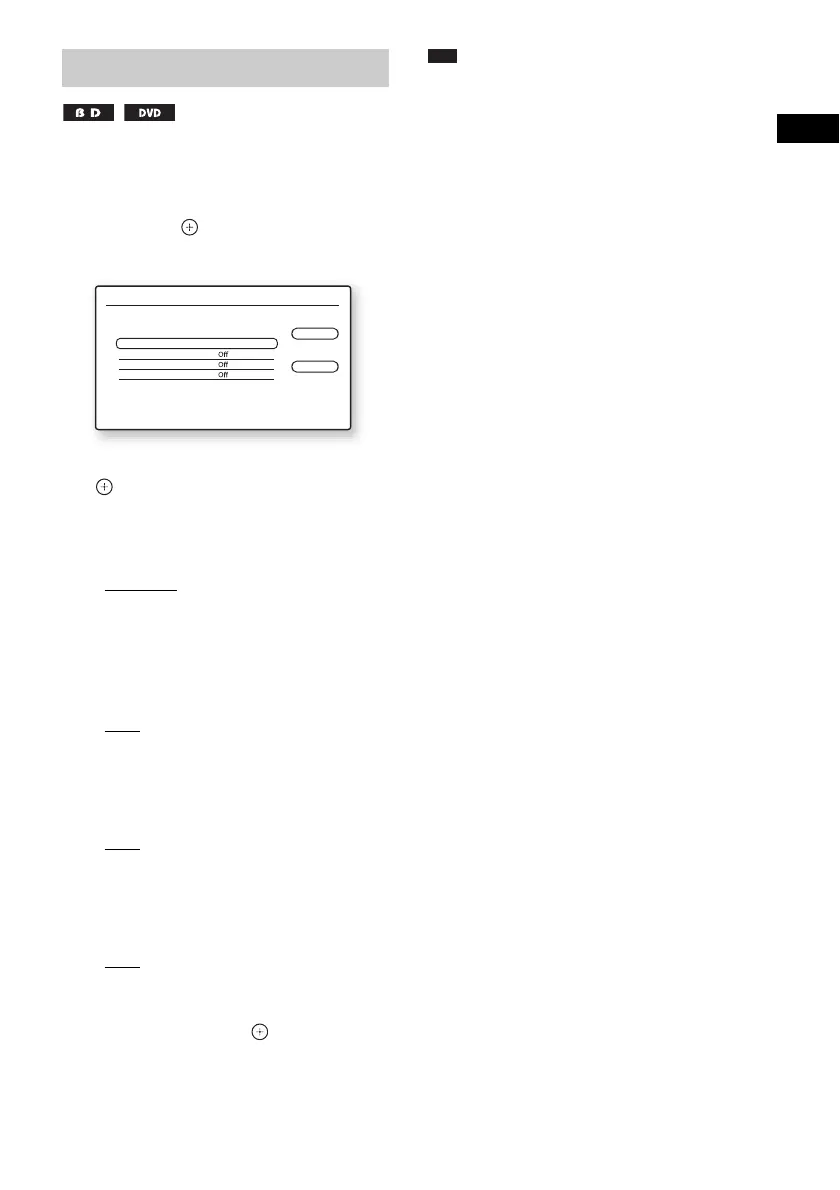
The [Video Settings] screen appears.
3 Press X/x to select an item, then press
.
[Picture Quality Mode]
Optimizes the picture settings for different
lighting environments.
•[Standard]
• [Brighter Room]
• [Theatre Room]
[FNR]
Reduces random noise appearing in the
picture.
• [Off]
•[Auto]
[BNR]
Reduces mosaic-like block noise in the
picture.
• [Off]
•[Auto]
[MNR]
Reduces minor noise around the picture
outlines (mosquito noise).
• [Off]
•[Auto]
4 Press C/X/x/c to select or adjust the
settings, then press .
To adjust any other items, repeat steps 3 and
4.
Note
• Set the picture setting of your TV to [Standard] before
changing [Picture Quality Mode].
• [Video Settings] is not available when the connected
TV is set to Theatre Mode (page 106).
• Depending on the disc or the scene being played,
[FNR], [BNR], or [MNR] effects may be hard to
discern.
Adjusting pictures for videos
Video Settings
Standard
Close
Standard
Picture Quality Mode
FNR
BNR
MNR
Select the item you want to change.


 To Next Page