20
GB
BDV-N9200W/BDV-N9200WL/BDV-N7200W/BDV-N7200WL/BDV-N5200W
4-485-800-13(1)
D:\NORM'S JOB\SONY HA\SO140001\BDV-N9200_7200_5200_E3200
(PMRF 02)\4485800131_GB (CEK)\040GET.fm
masterpage: Left
Step 1: Installing the
Speakers
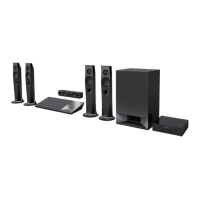
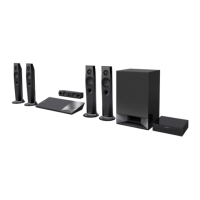
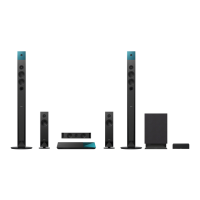
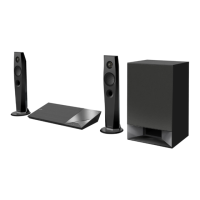
Install the speakers by referring to the
illustration below.
To assemble the speakers, refer to the
supplied “Speaker Installation Guide”.
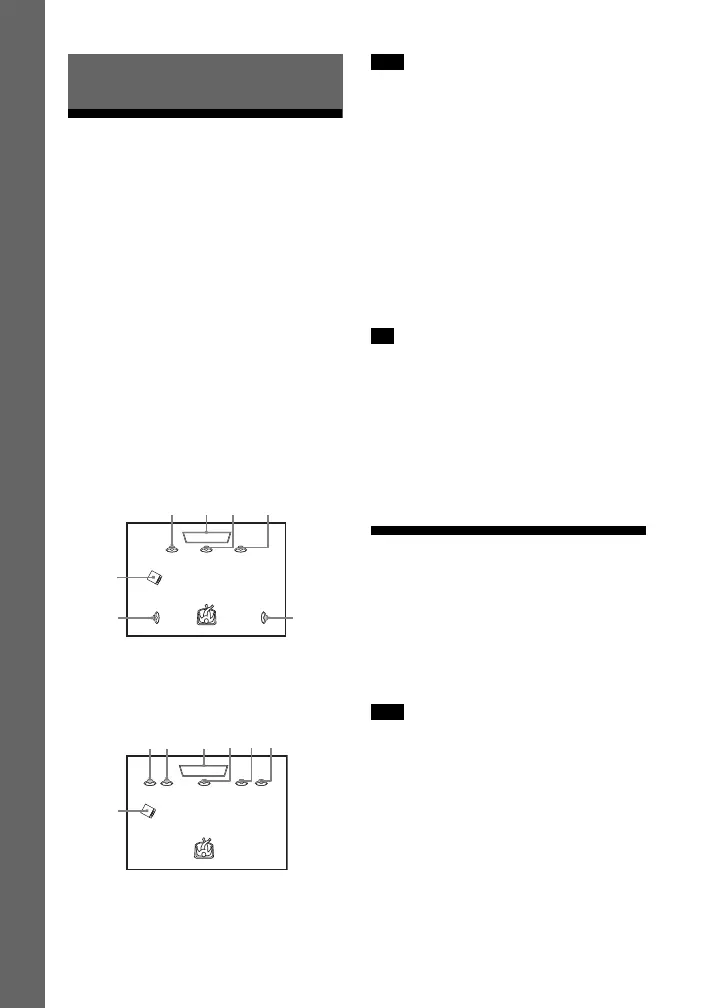
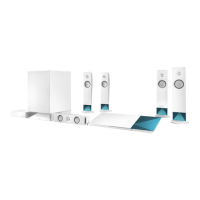
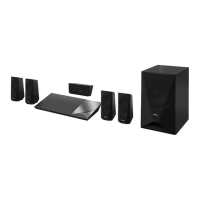
A Front left speaker (L)
B Front right speaker (R)
C Center speaker
D Surround left speaker (L)
E Surround right speaker (R)
F Subwoofer
G TV
Installing the surround speakers
in rear position
(Speaker layout: [Standard])
Installing all speakers in front
position
(Speaker layout: [All Front])
• Be sure to select the speakers layout
setting (page 47) according to your
speakers placement.
• Use caution when placing the speakers
and/or speaker stands attached to the
speakers on a specially treated (waxed,
oiled, polished, etc.) floor, as staining or
discoloration may result.
• Do not lean or hang on a speaker, as it
may fall down.
• The speakers of this system are not
magnetically shielded. This may result in
color irregularity when they are placed
near a CRT TV or projector.
• In order to output more effective sound
when [All Front] setting is selected, we
recommend you to install your front
speakers and surround speakers closer to
each other.
•You can install the speakers on a wall. For
details, refer to the supplied “Speaker
Installation Guide”.
Step 2: Connecting the
System
Do not connect the AC power cord
(mains lead) of the main unit to a wall
outlet (mains) until all the other
connections are made.
When you connect other equipment with a
volume control, turn down the volume of
the equipment to a level where sound is
not distorted.
Getting Started
Note
Tip
Note


 To Next Page