Basics
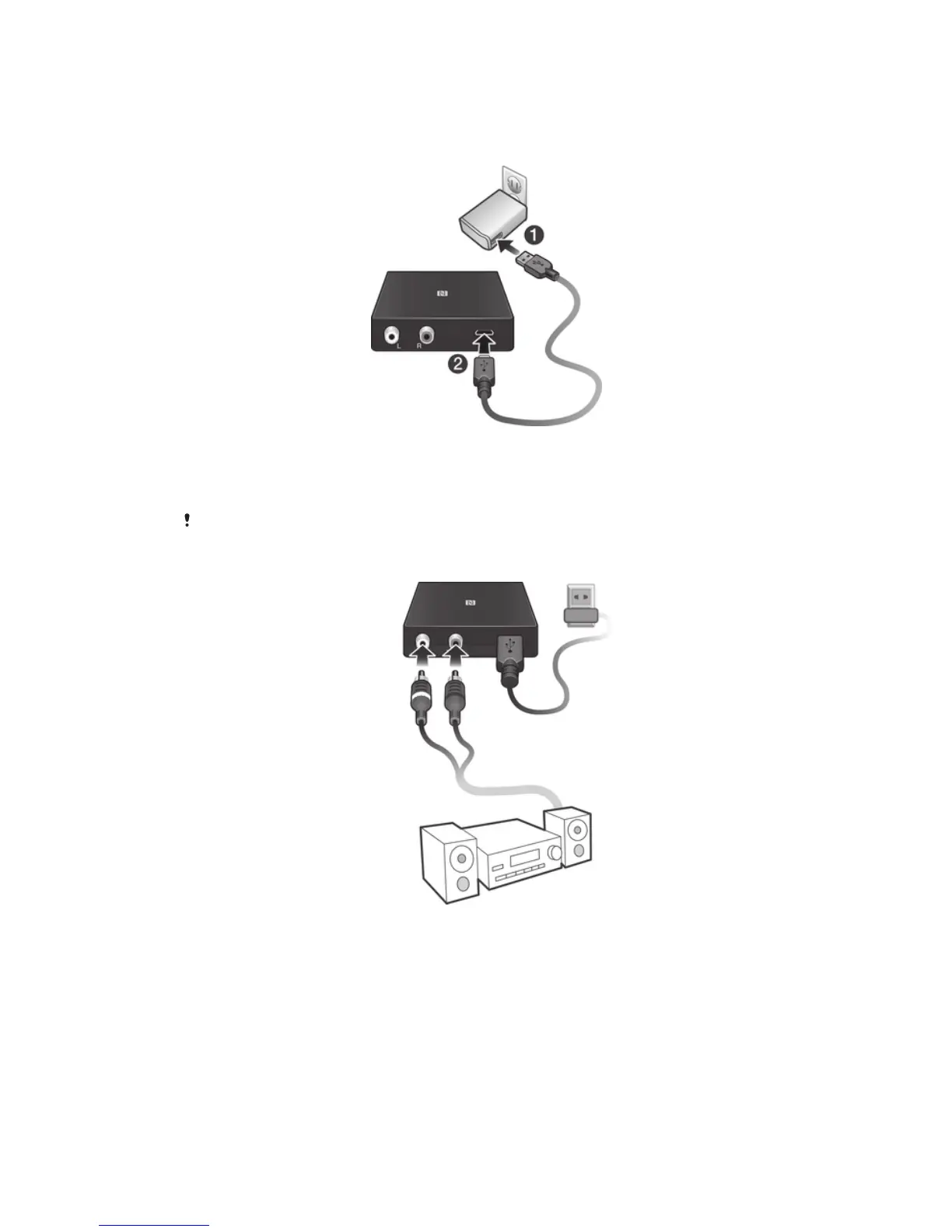
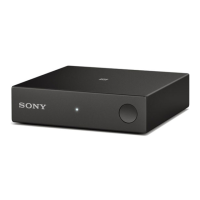
To power on the music receiver
1
Plug one end of the charger cable into the charger.
2
Plug the other end of the cable into the Micro USB port of the music receiver.
A white notification light illuminates briefly to indicate that the device is
powered on.
The music receiver only works when connected to a power source.
To connect the music receiver to a stereo
1
Plug one end of the stereo cable into the relevant stereo connectors (Left/
Right) on your music receiver.
2
Plug the other end of the cable into the stereo.
4
This is an Internet version of this publication. © Print only for private use.





 To Next Page