....
I
N
~
Convergence Adju5tmenta - ALIONMfNT Menu
The ALIGNMENT menu is used for adjusting
convergence and geometry.
This section explains the setting lists displayed in the
menu.
The lists are numbered and shown with indentations to
indicate the hierarchy in the menu.
If a setting in each list leads to another list or a
monitor operation, the list number or the operation is
indicated after the c=:> mark. (Settings without the c=:>
mark end in a single list.)
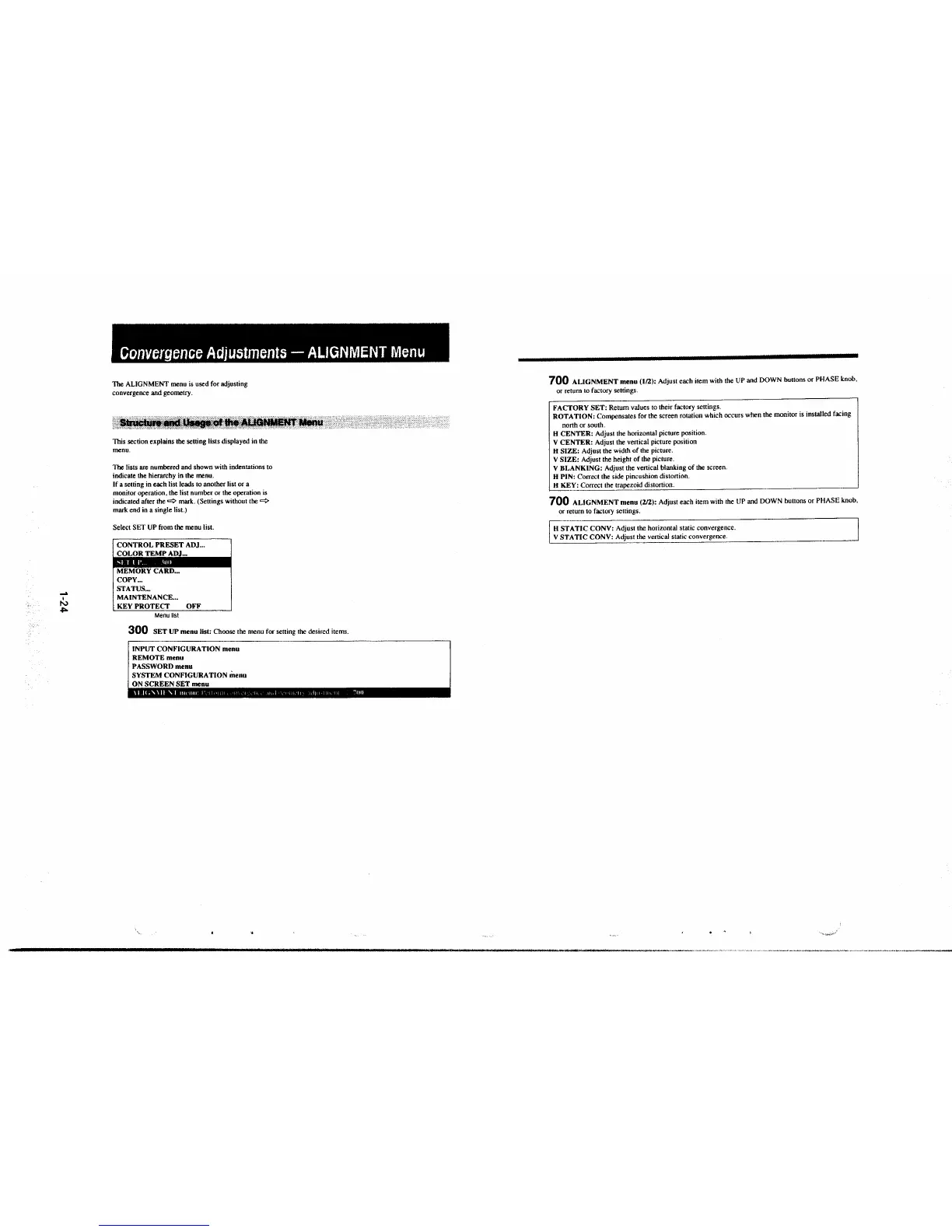
Select SET UP from the menu list.
CONTROL PRESET ADJ ...
COLOR TEMP ADJ . .,
MEMORY CARD ...
COPY ...
STATUS ...
MAINTENANCE ...
KEY PROTECT OFF
Menu list
300 SET UP menu list: Choose the menu for setting the desired items.
INPUT CONFIGURATION menu
REMOTE menu
PASSWORD menu
SYSTEM CONFIGURATION
menu
ON SCREEN SET menu
700 ALIGNMENT menu (1/2): Adjust each item with the UP and DOWN buttons or PHASE knob,
or return to factory settings.
FACTORY SET: Return values to their factory settings.
ROTATION: Compensates for the screen rotation which occurs when the monitor is installed facing
nonh or south.
H CENTER: Adjust the horizontal picture position.
V CENTER: Adjust the venical picture position
H SIZE: Adjust the width of the picture.
V SIZE: Adjust the height of the picture.
V BLANKING: Adjust the venical blanking of the screen.
H PIN: Correct the side pincushion distonion.
H KEY: Correct the trapezoid distonion.
700 ALIGNMENT menu (2/2): Adjust each item with the UP and DOWN buttons or PHASE knob,
or return to factory settings.
H STATIC CONV: Adjust the horizontal static convergence.
V STATIC CONV: Adjust the vertical static convergence .







 To Next Page