.....
I
"'
(,,)
Setting the Screen Display - ON SCREEN SET Menu
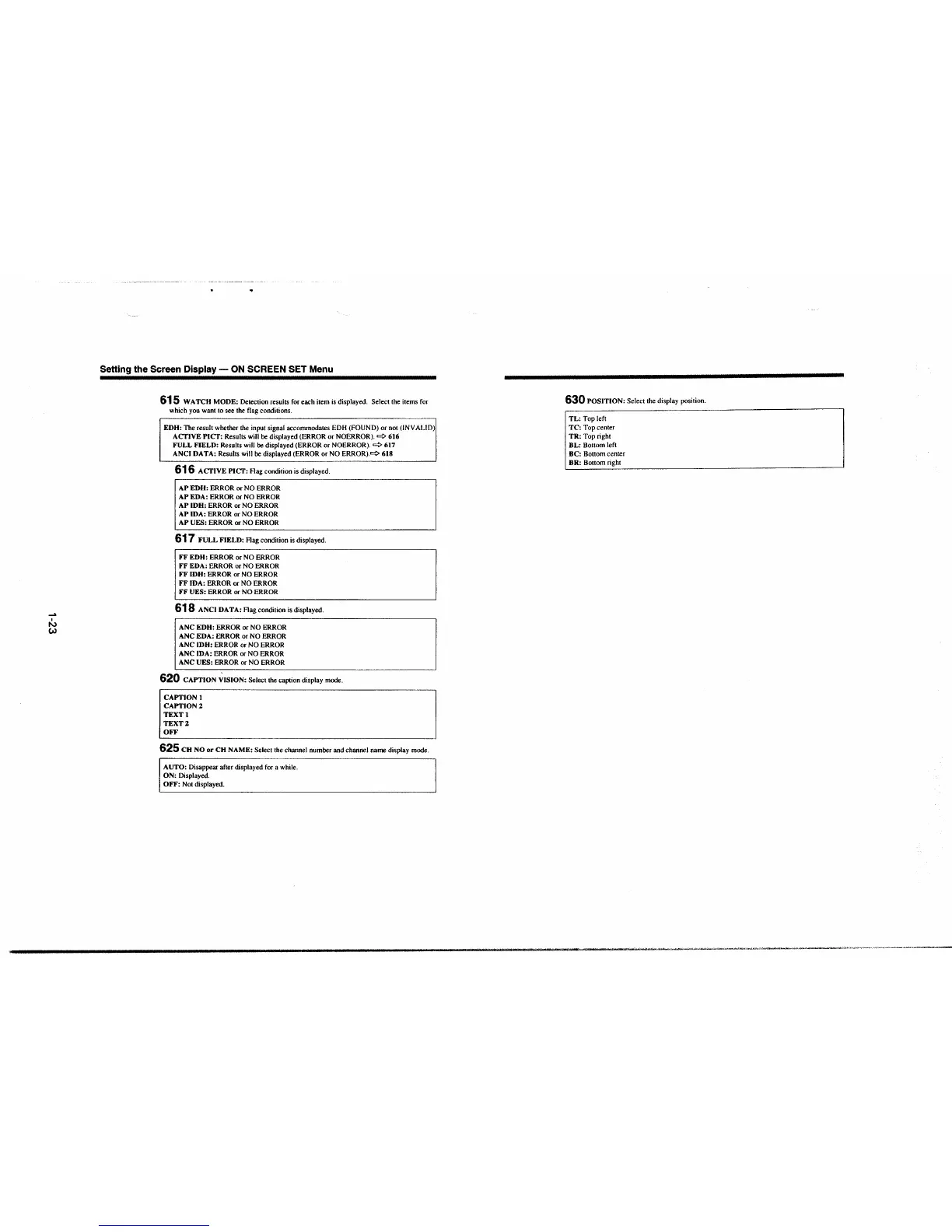
615 WATCH MODE: Detection results for each item is displayed. Select the items for
which you want to see the flag conditions.
EDH: The result whether the input signal accommodates EDH (FOUND) or not (INVALID)
ACTIVE PICT: Results will be displayed (ERROR or NOERROR).
cc:> 616
FULL FIELD: Results will be displayed (ERROR or NOERROR).
cc:> 617
ANCI DATA: Results will be displayed (ERROR or NO
ERROR).<=:> 618
616 ACTIVE PICT: Flag condition is displayed.
AP EDH: ERROR or NO ERROR
AP EDA: ERROR or NO ERROR
AP IDH: ERROR or NO ERROR
AP IDA: ERROR or NO ERROR
AP UES: ERROR or NO ERROR
617 FULL FIELD: Flag condition is displayed.
FF EDU: ERROR or NO ERROR
FF EDA: ERROR or NO ERROR
FF IDH: ERROR or NO ERROR
FF IDA: ERROR or NO ERROR
FF UES: ERROR or NO ERROR
618 ANCI DATA: Flag condition is displayed.
ANC EDU: ERROR or NO ERROR
ANC EDA: ERROR or NO ERROR
ANC IDH: ERROR or NO ERROR
ANC IDA: ERROR or NO ERROR
ANC UES: ERROR or NO ERROR
620 CAPTION ~ISION: Select the caption display mode.
CAPTION I
CAPTION2
TEXTI
TEXT2
OFF
625 CH NO or CH NAME: Select the channel number and channel name display mode.
AUTO: Disappear after displayed for a while.
ON: Displayed.
OFF: Not displayed.
630 POSITION: Select the display position .
TL: Top left
TC: Top center
TR: Top right
BL: Bottom left
BC: Bottom center
BR: Bottom right
·---... --· ___ ,...,.."', ..... .,,,.,,..,,..,...,_~----·""''"'"'""'""......,__. -.,.., .. .,, .... ~-,,..--,~~--,,-,~-"'""'"'"' ____ _







 To Next Page