....
I
"->
"->
Settino the Screen Disr,lav - ON SCREEN SET Menu
,Ji~Mt;tlliig~•t,•:_.,., • ., .• u·i····.····.··
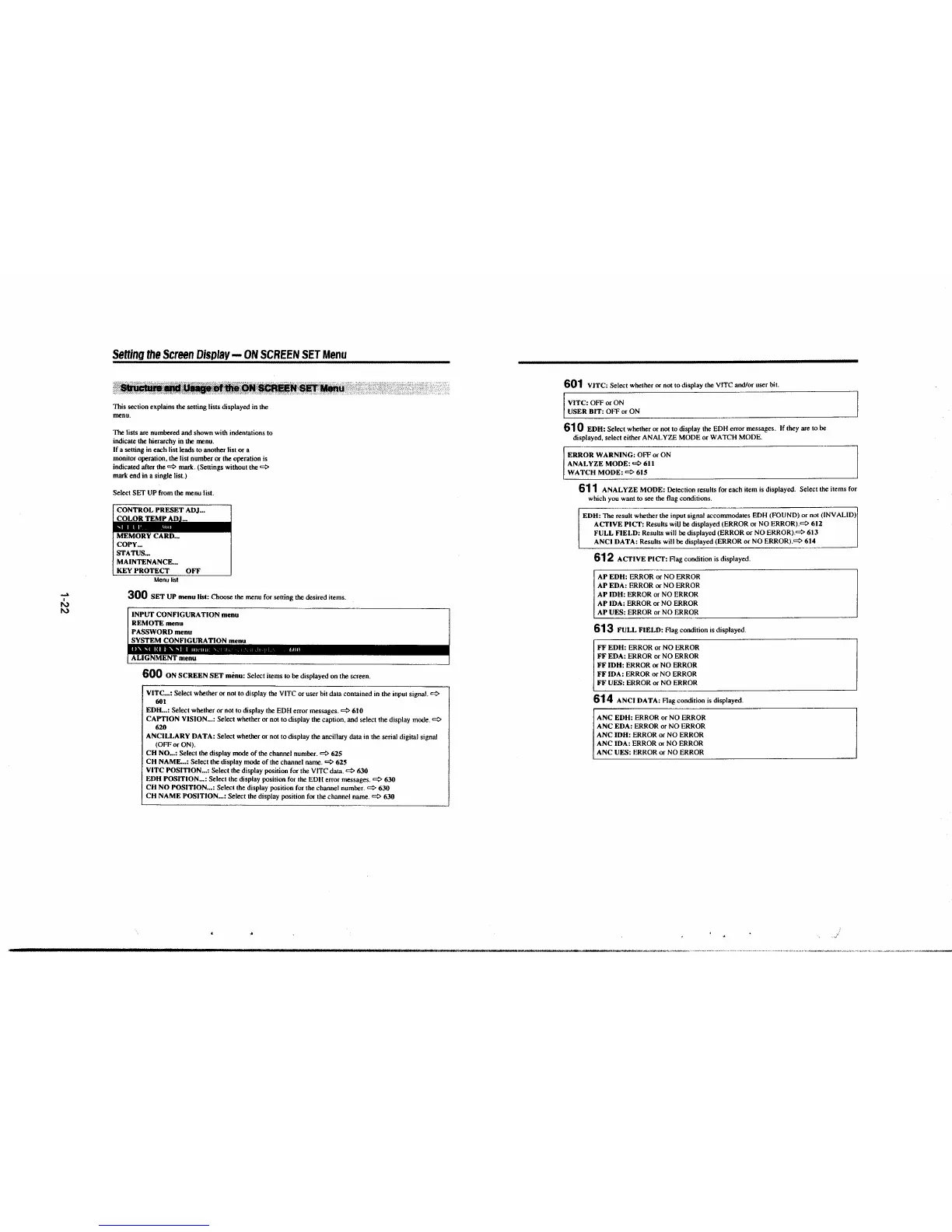
This section explains the setting lists displayed in the
menu.
1be lists are numbered and shown with indentations to
indicate the hierarchy in
the menu.
If a setting in each list leads to another list or a
monitor operation, the list number or the operation is
indicated after the C,::.
mark. (Settings without the C,::.
mark end in a single list.)
Select SET UP from the menu list.
CONTROL PRESET ADJ ...
COLOR TEMP
ADJ~
MEMORY CARD ...
COPY ...
STATUS ...
MAINTENANCE ...
KEY PROTECT OFF
Menu list
300 SET UP menu list: Choose the menu for setting the desired items.
INPUT CONFIGURATION menu
REMOTE menu
PASSWORD menu
SYSTEM CONFIGURATION menu
ALfGNMENT menu
600 ON SCREEN SET menu: Select items to be displayed on the screen.
VITC ... : Select whether or not to display the VITC or user bit data contained in the input signal. C,::.
601
EDH ... : Select whether or not to display the EDH error messages. ¢ 610
CAPTION VISION ... : Select whether or not to display the caption, and select the display mode. C,::.
620
ANCILLARY DATA:
Select whether or not to display the ancillary data in the serial digital signal
(OFF or ON).
CH NO ... : Select the display mode of the channel number.¢ 625
CH NAME ... : Select the display mode of the channel name. ¢ 625
VITC POSITION ... : Select the display position for the VITC data. C,::. 630
EDH POSITION
... : Select the display position for the EDH error messages. ¢ 630
CH NO POSITION ... :
Select the display position for the channel number. ¢ 630
CH NAME POSITION ... :
Select the display position for the channel name.¢ 630
601 VJTC: Select whether or not to display the VITC and/or user bit.
[
VITC: OFF or ON
USER
BIT: OFF or ON
610 EDH: Select whether or not to display the EDH error messages. If they are to be
displayed, select either ANALYZE MODE or WATCH MODE.
ERROR WARNING: OFF or ON
ANALYZE MODE: C,::. 611
WATCH MODE:
C,::.615
611 ANALYZE MODE: Detection results for each item is displayed. Select the items for
which you want to see the flag conditions.
EDH:
The result whether the input signal accommodates EDH (FOUND) or not (!NV ALID)
ACTIVE PICT: Results wiU be displayed (ERROR or NO ERROR).C,::. 612
FULL FIELD: Results will be displayed (ERROR or NO ERROR).C,::. 613
ANCI DATA: Results will be displayed (ERROR or NO ERROR).C,::. 614
612 ACTIVE PICT: Flag condition is displayed .
AP EDH: ERROR or NO ERROR
AP EDA: ERROR or NO ERROR
AP IDH: ERROR or NO ERROR
AP IDA: ERROR or NO ERROR
AP UES: ERROR or NO ERROR
613 FULL FIELD: Flag condition is displayed.
FF EDH: ERROR or NO ERROR
FF EDA: ERROR or NO ERROR
FF IDH: ERROR or NO ERROR
FF IDA: ERROR or NO ERROR
FF UES: ERROR or NO ERROR
614 ANCI DATA: Flag condition is displayed.
ANC EDH: ERROR or NO ERROR
ANC EDA: ERROR or NO ERROR
ANC IDH: ERROR or NO ERROR
ANC IDA: ERROR or NO ERROR
ANC UES: ERROR or NO ERROR







 To Next Page